How to Insert and Edit Equations in Excel

Excel’s equation editor lets you show math with stacked fractions and raised exponents, so you can display a model’s calculation in familiar mathematical form. An equation sits in a box …

Here you will find common Excel tips and tutorials that can help you speed up your work and get stuff done faster.
Excel’s equation editor lets you show math with stacked fractions and raised exponents, so you can display a model’s calculation in familiar mathematical form. An equation sits in a box …
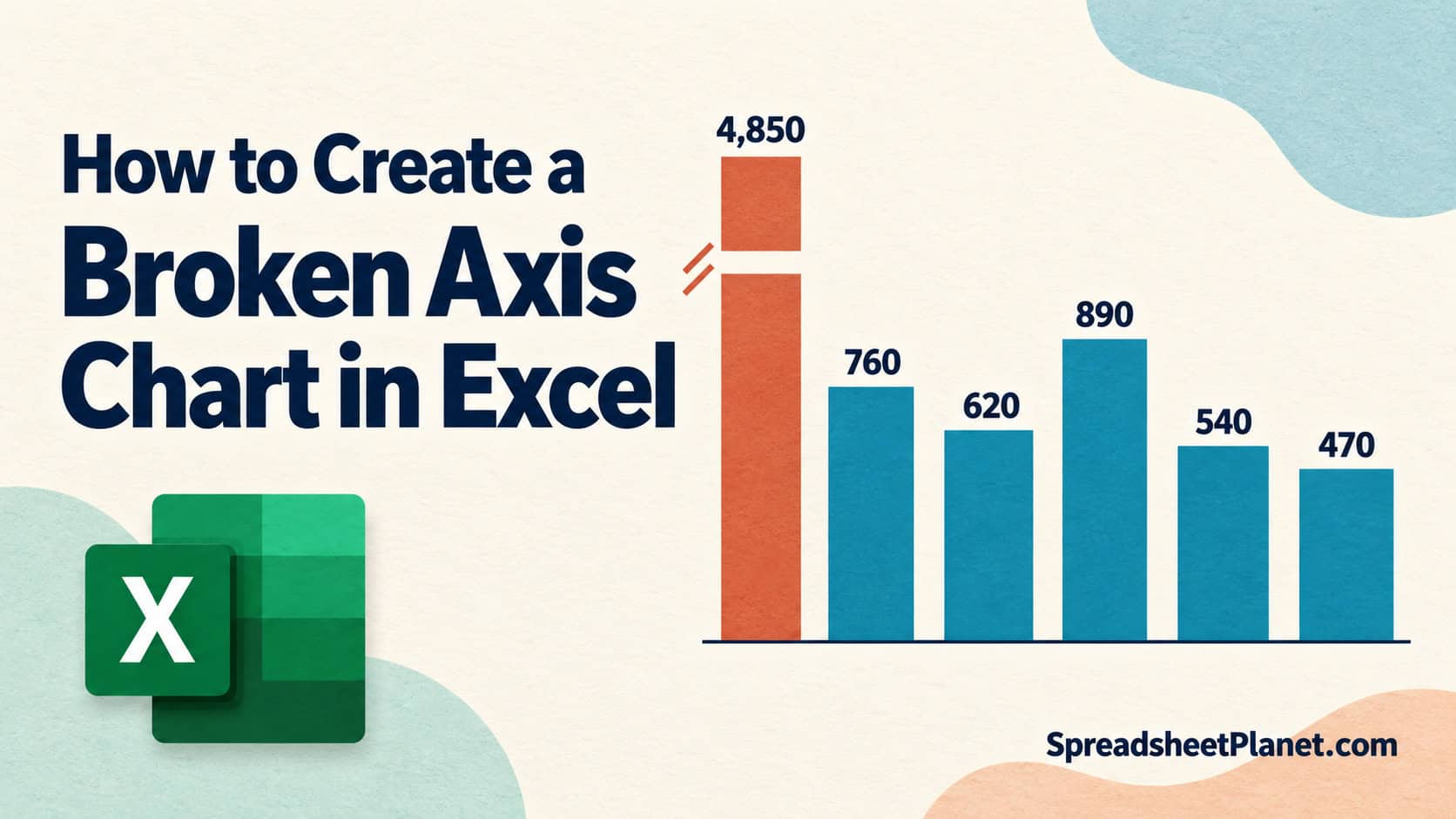
A broken axis chart in Excel lets you compare small bars that one much taller bar would otherwise squash near the bottom. It skips an empty stretch of the vertical …

Listing all permutations in Excel means writing out every possible order of your items, so A then B counts as different from B then A. Excel can count these arrangements, …

You can put Excel numbers on a PowerPoint slide as a separate copy or keep the slide connected to the workbook so it follows your changes. A normal paste puts …

Data bars in Excel let you compare numbers at a glance by drawing a bar inside each cell, with longer bars for larger values. You’ll find them under conditional formatting, …

Excel’s yellow “External Data Connections have been disabled” bar tells you it has blocked your workbook’s data connections until you decide the file is safe. You can get this warning …

Autocorrelation in Excel helps you check whether values in a time series are related to earlier values, such as sales in consecutive months. Running CORREL on two shifted ranges gives …

A stopwatch in Excel lets you time a task or practice run and keep the result alongside your work. Excel has no built-in stopwatch, though. Its NOW function returns the …

You format an Excel sheet, save it, and reopen it only to find the colors, borders, or number formats gone. Most of the time, the cause is the file type …

Automatic rolling months in Excel let your budget or forecast move forward without retyping the month headers every month or year. You can link all 12 months to one start …

When you need to sum multiple matching rows in Excel, VLOOKUP and XLOOKUP return only the first sale for a repeated name. I’ll use SUMIF for one name, SUMIFS when …

A treemap chart in Excel helps you compare each category’s share of a total and see which items contribute most. It fills the chart with rectangles, called tiles, whose sizes …