How to Create a Stacked Waterfall Chart in Excel
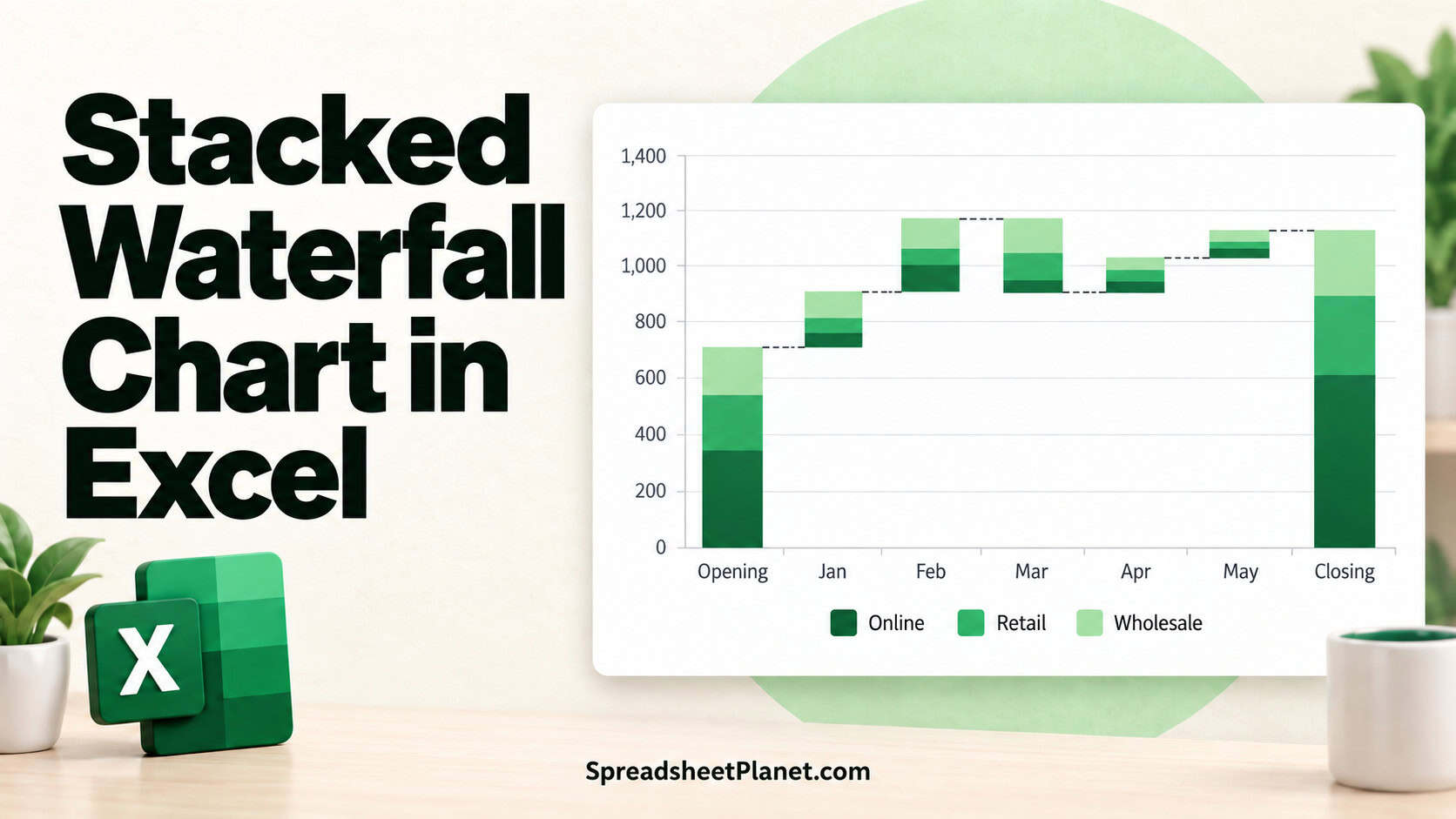
A stacked waterfall chart shows how a total moves from a starting value to an ending value, step by step. It also splits each step into the parts that caused …

 Steve Scott
A stacked waterfall chart shows how a total moves from a starting value to an ending value, step by step. It also splits each step into the parts that caused …

Excel shows the yellow “Automatic update of links has been disabled” bar when a workbook pulls information from another file and Excel pauses that connection for safety. Until you allow …
The SUMIF and SUMIFS functions in Excel add values that meet conditions, such as rental fees collected by a particular branch. SUMIF checks one condition. SUMIFS checks one or more …
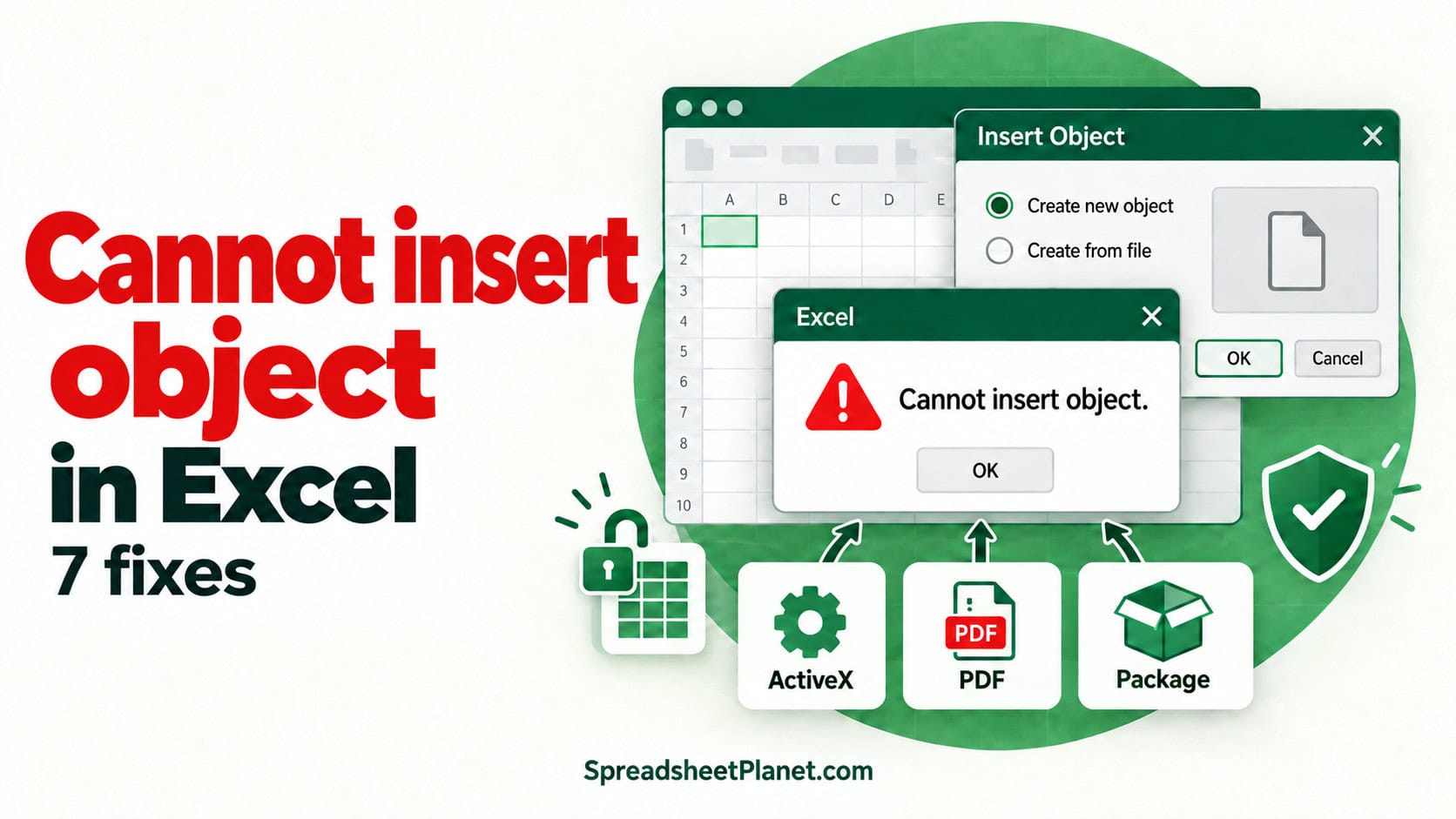
Excel’s “Cannot insert object” error can appear when you embed a file or add an ActiveX control. The fix depends on which object you’re inserting. On current Microsoft 365 builds, …
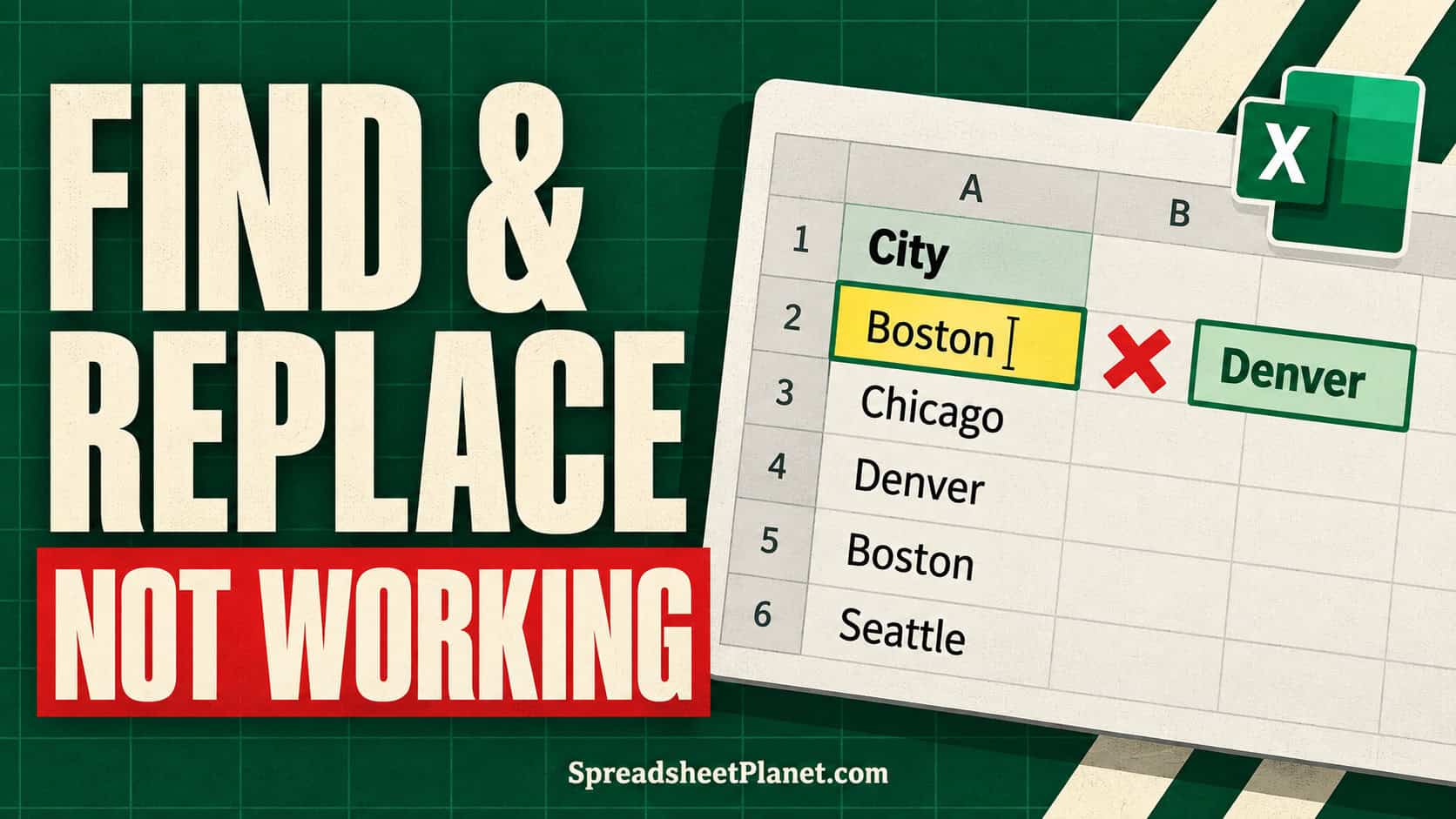
Excel Find and Replace helps you locate text, numbers, formulas, and formatting, then update the matching cells. When it stops working, the cause is usually a selected range, a saved …
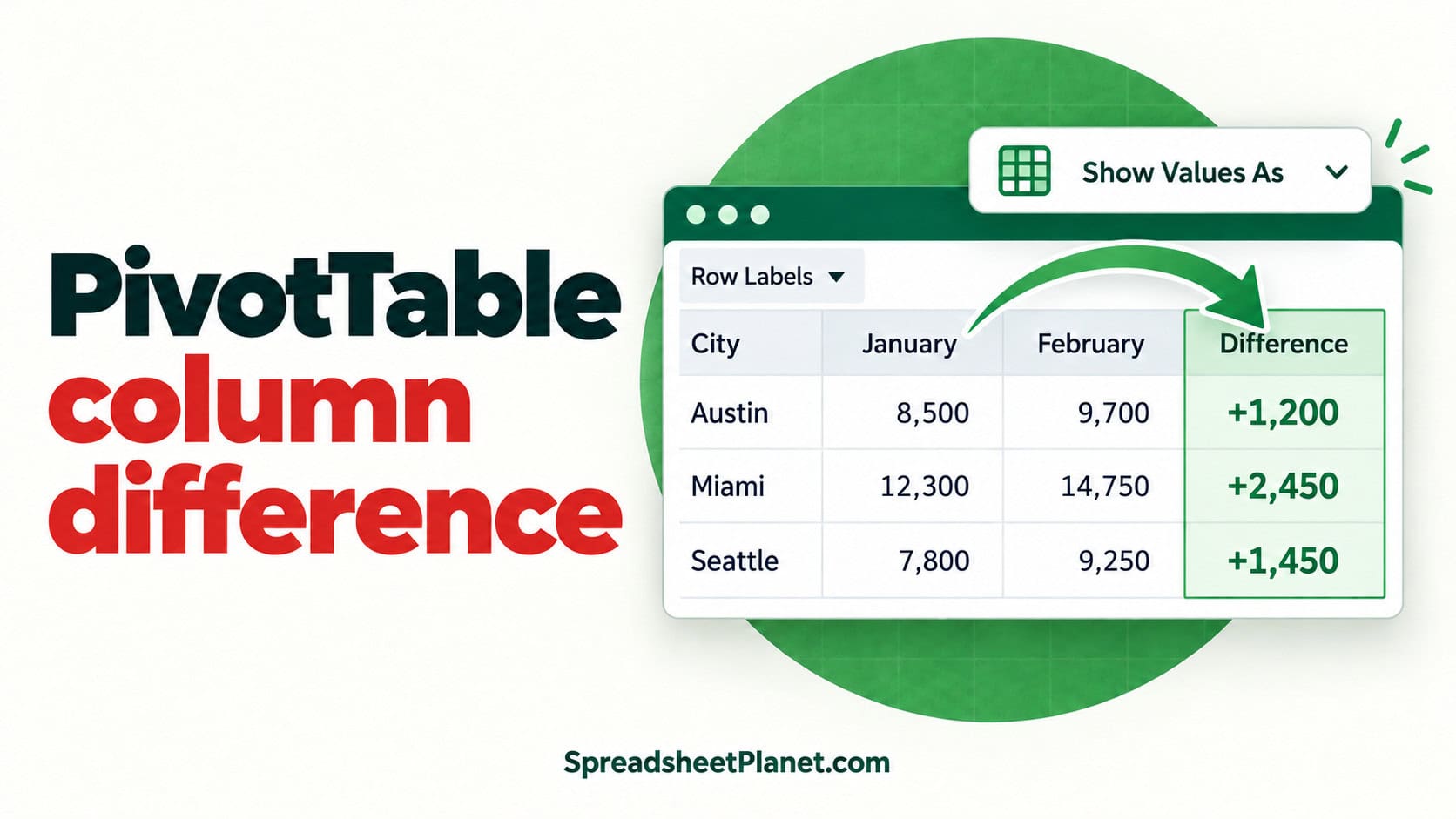
A PivotTable can show the gap between two columns without changing your source data. The trick is knowing what those columns represent. If you are comparing January and February under …
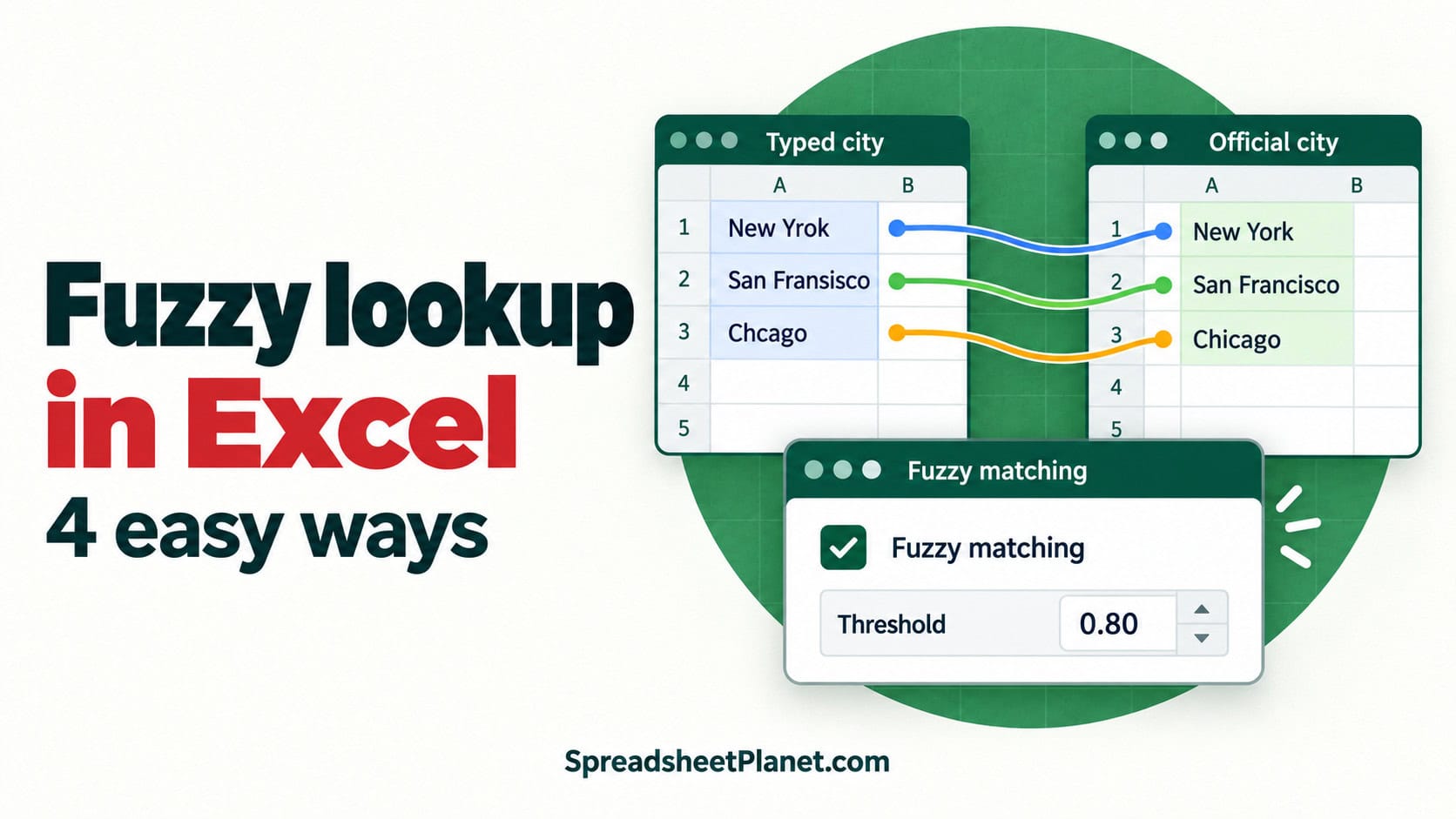
Misspelled names and inconsistent spacing can turn an ordinary lookup into a blank result, even when both records refer to the same place or person. A fuzzy lookup compares text …
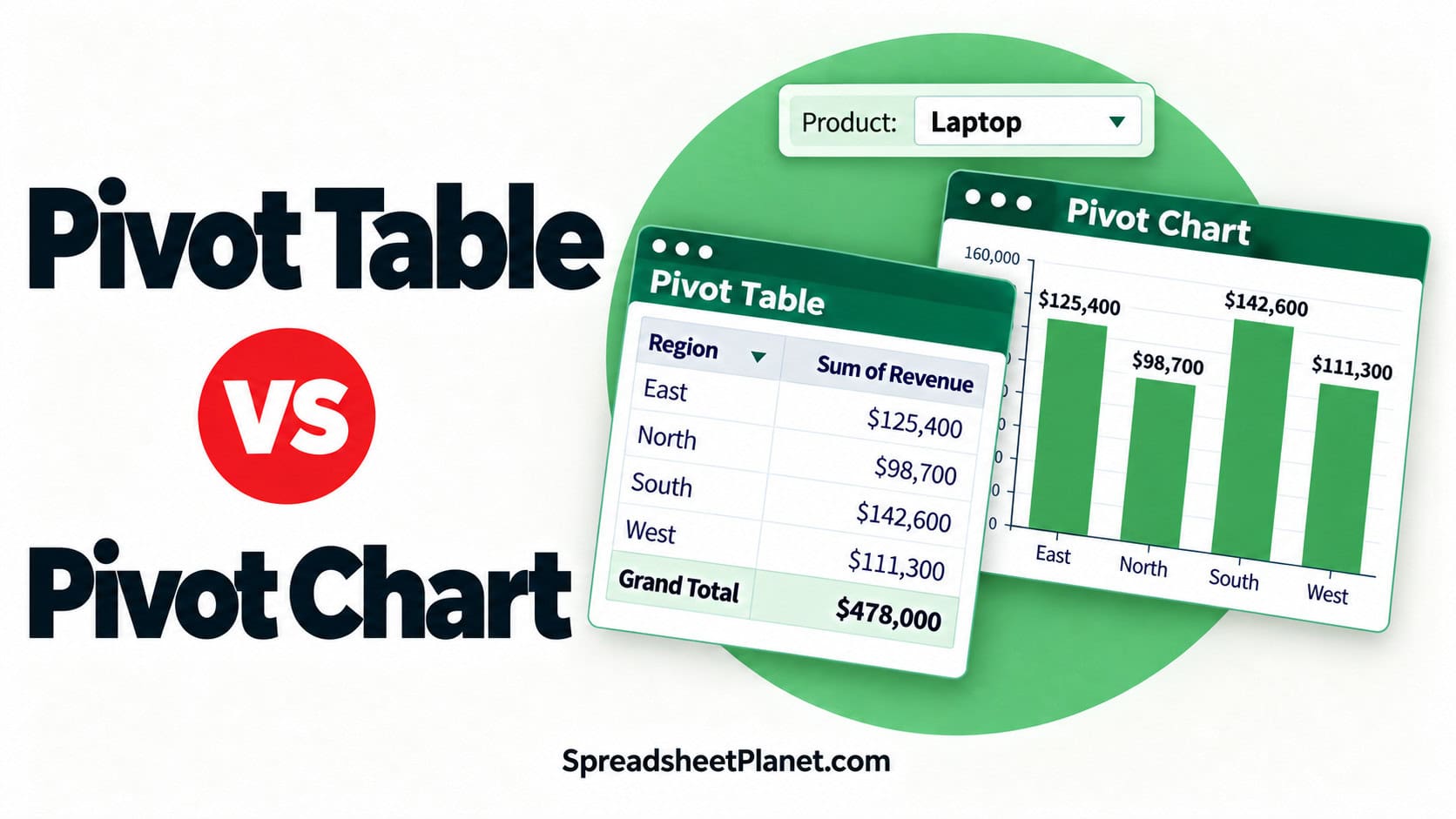
A pivot table summarizes a big dataset into a small table of totals, counts, or averages. A pivot chart takes that same summary and draws it as a chart. Both …

Excel formulas don’t have a FOR or WHILE loop like VBA does. But you can still make a formula repeat a calculation for every character, every row, or every step …

Checks, invoices, and receipts often need the amount written out, like “One Thousand Two Hundred Eighty-Four Dollars and Thirty Cents” for 1,284.30. Excel has no built-in function that writes numbers …

Excel’s IF function can’t look at a cell’s fill color. It only reads values, so a formula like =IF(A2 is green,…) doesn’t exist out of the box. That’s a problem …
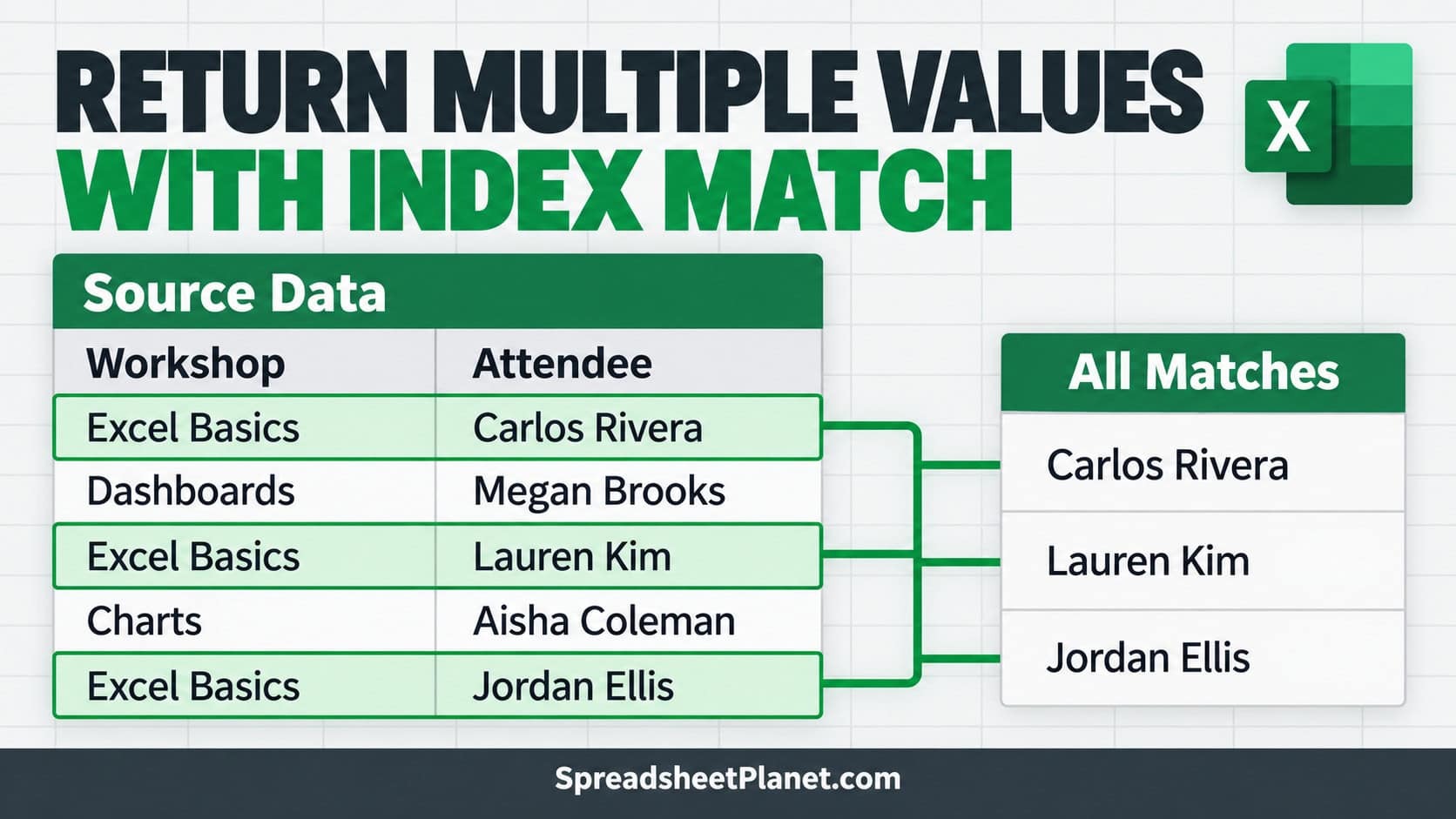
INDEX MATCH is a lookup combo, but MATCH only ever finds the first row that matches. So if a value appears several times, you only get one result back. To …