How to Create an Aging Formula in Excel (30, 60, 90 Days)
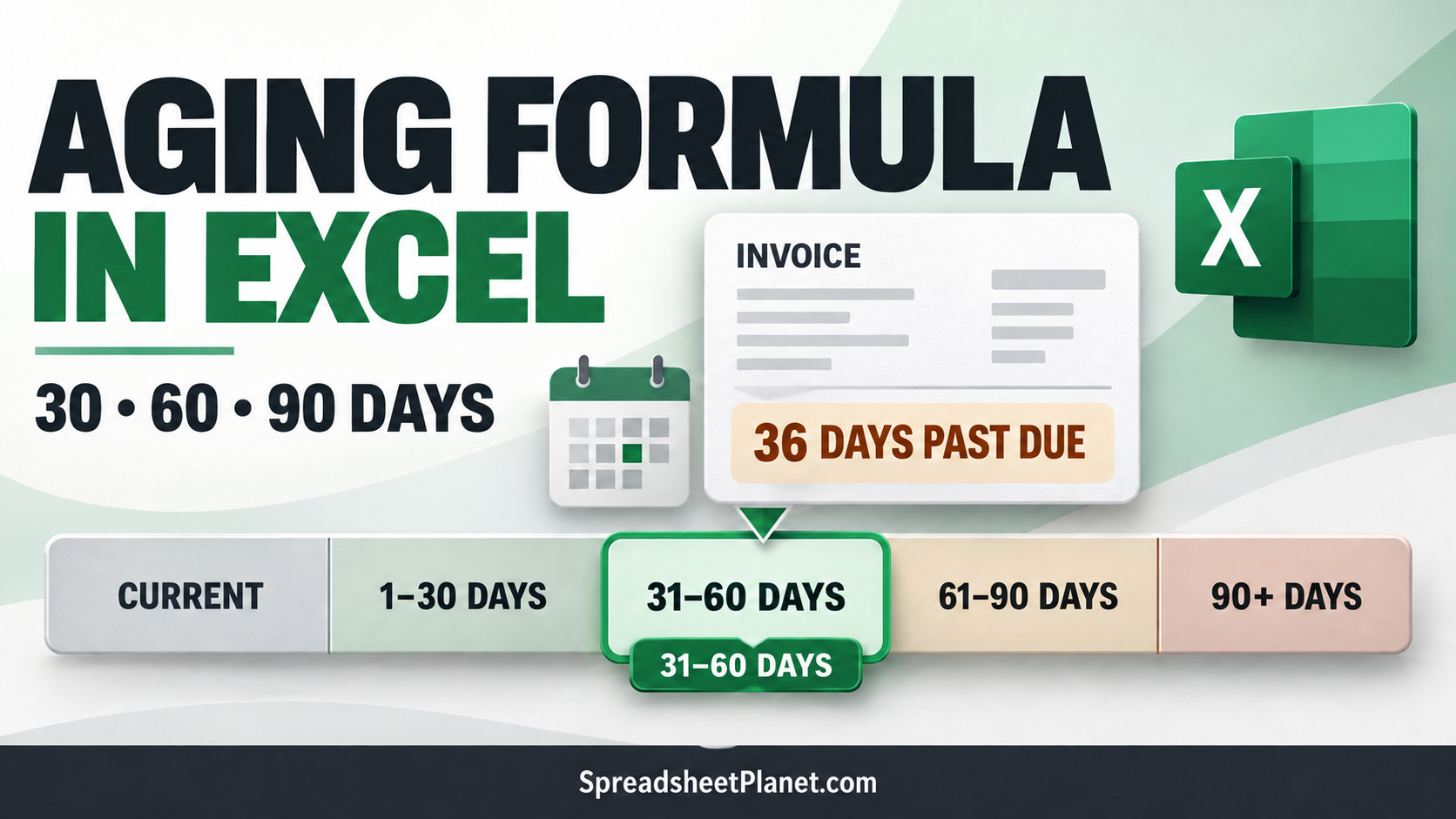
An aging report sorts unpaid invoices by how many days they are past due. It shows which balances are current and which ones need attention. Excel can calculate the late …

Here you will find common Excel tips and tutorials that can help you speed up your work and get stuff done faster.
An aging report sorts unpaid invoices by how many days they are past due. It shows which balances are current and which ones need attention. Excel can calculate the late …
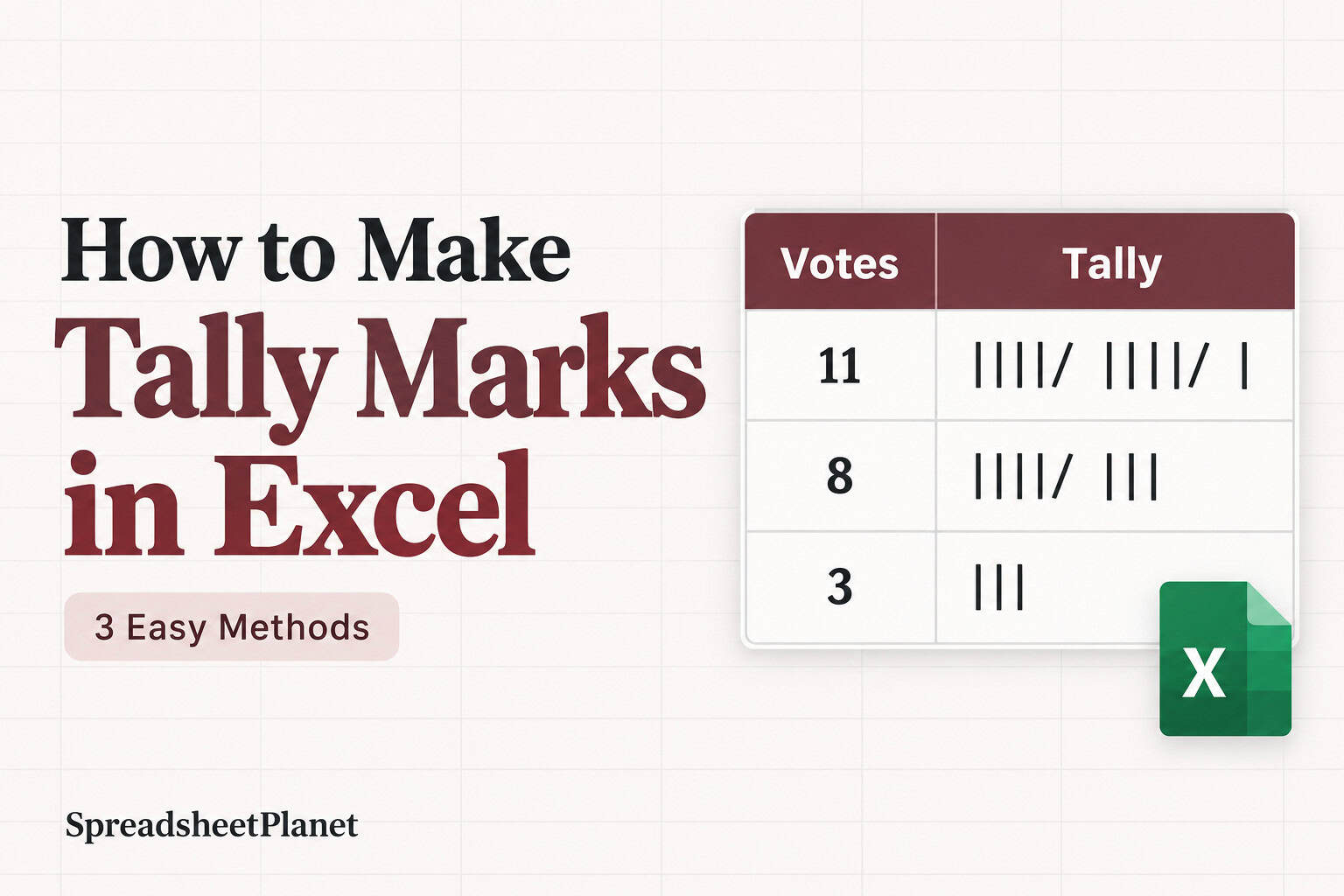
Tally marks give you a quick visual count of votes, survey answers, attendance, or anything else you record repeatedly. Excel has no dedicated tally button. However, a couple of formulas …

SUMIFS is a useful function when you want to add up values that meet one or more conditions, like sales for the West region. It works fine when the numbers …
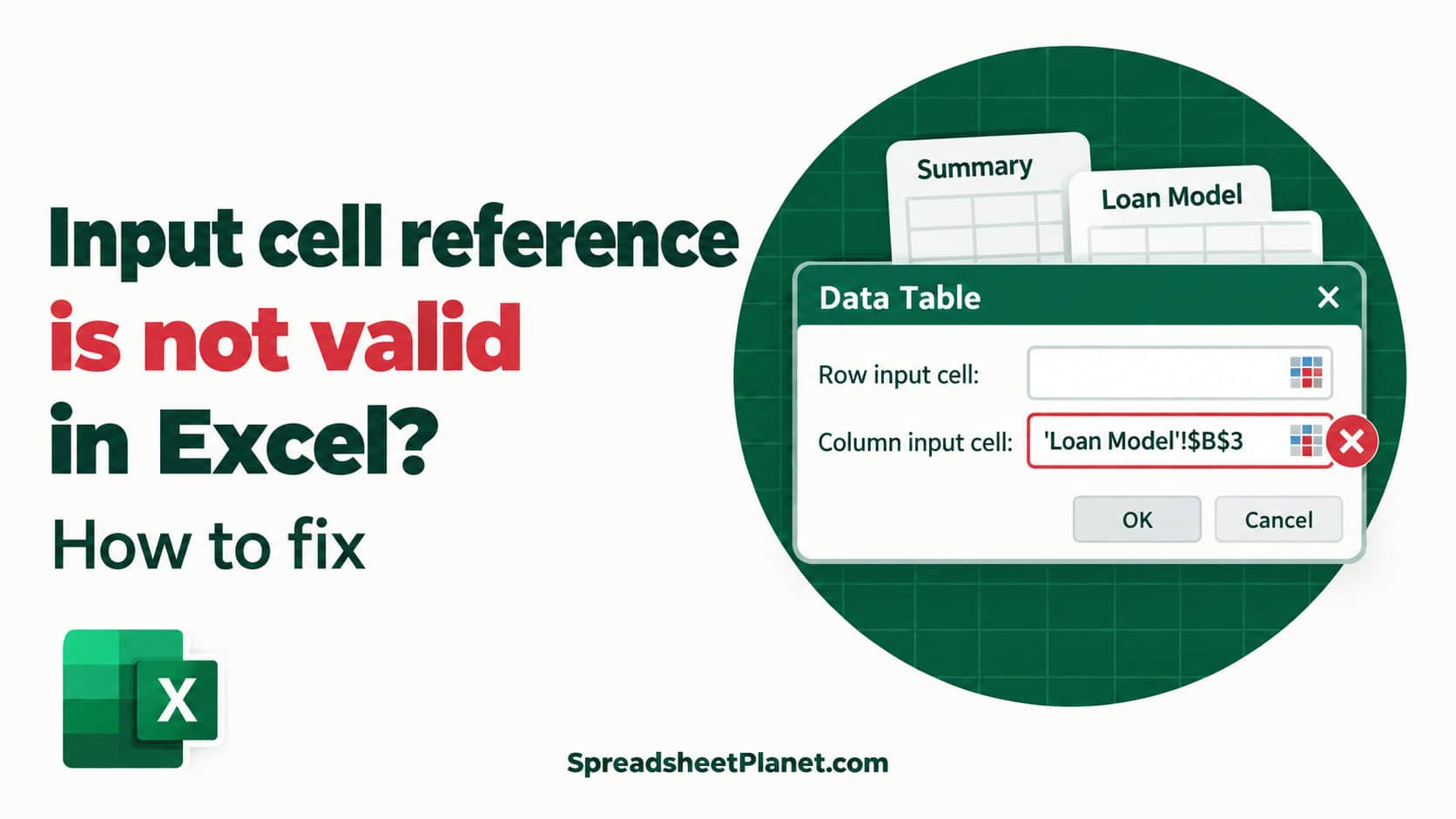
When you build a data table in Excel, you may run into an error that stops it before it starts. The message is: Input cell reference is not valid. It …
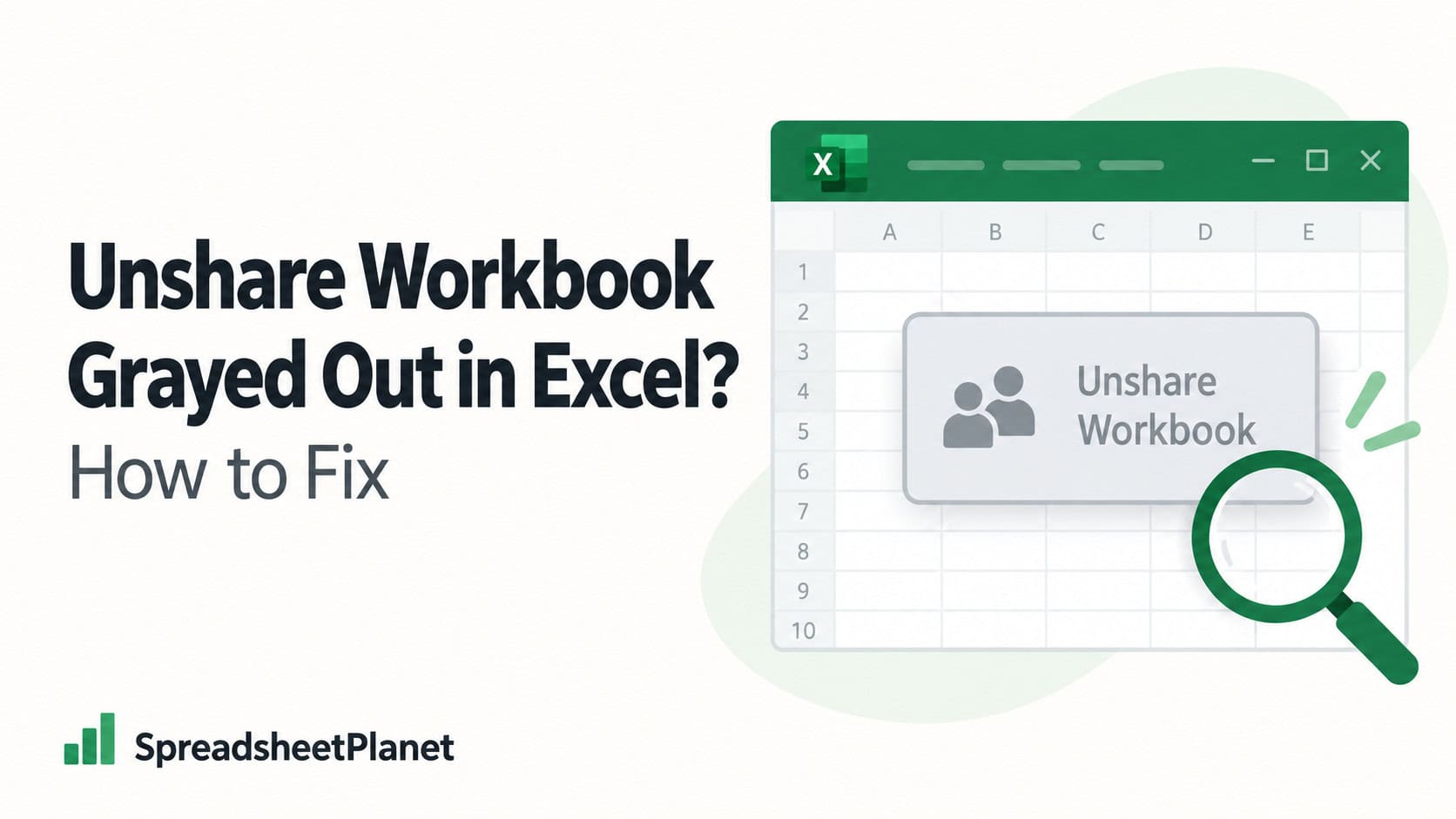
Sometimes you may find that the Unshare Workbook button is grayed out, so you cannot stop sharing the workbook in the usual way. In a current Microsoft 365 build, that …
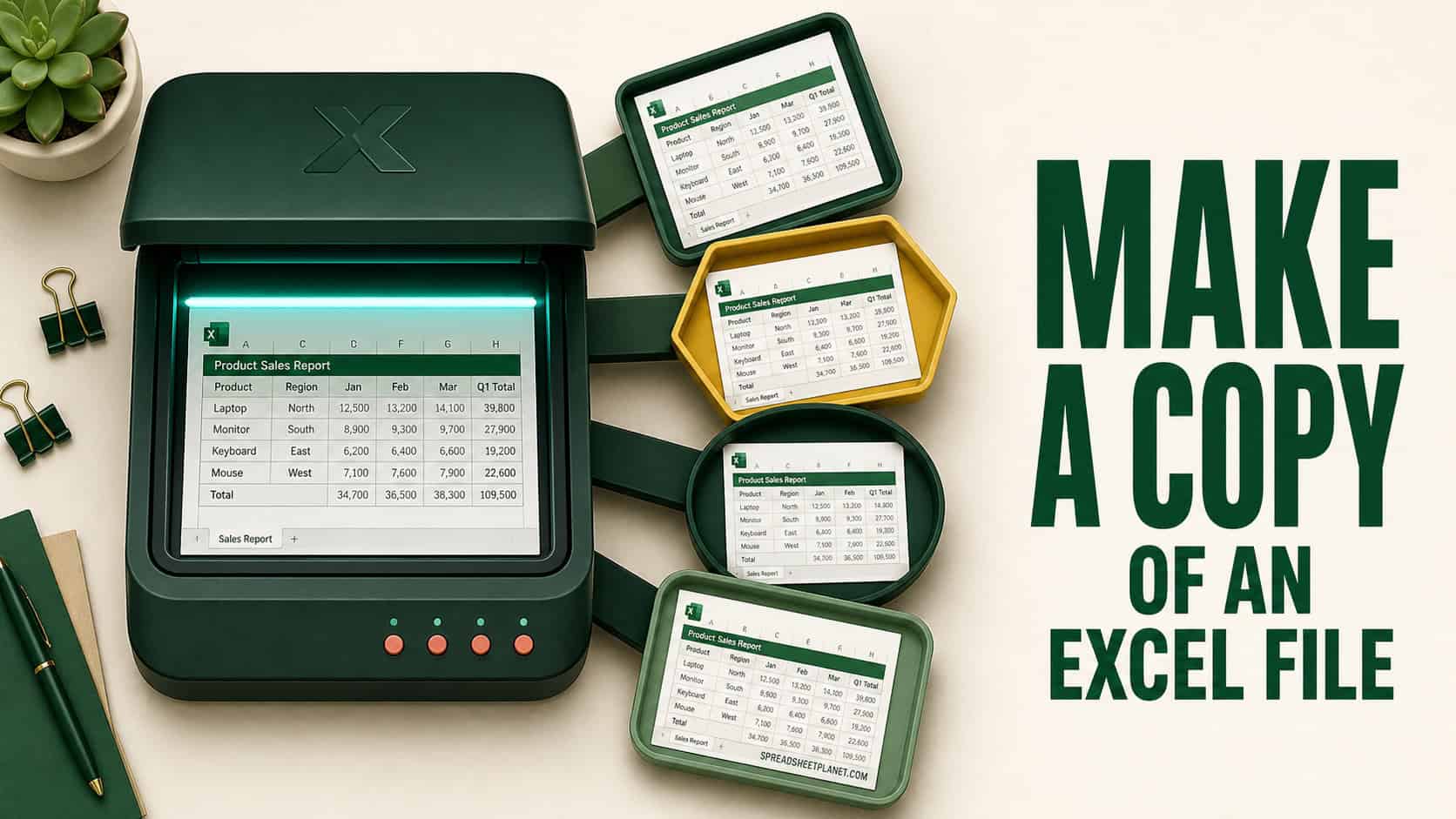
If you want to make a copy of an Excel file, you probably want to keep the original safe while you work on a duplicate. Maybe you’re reusing last month’s …
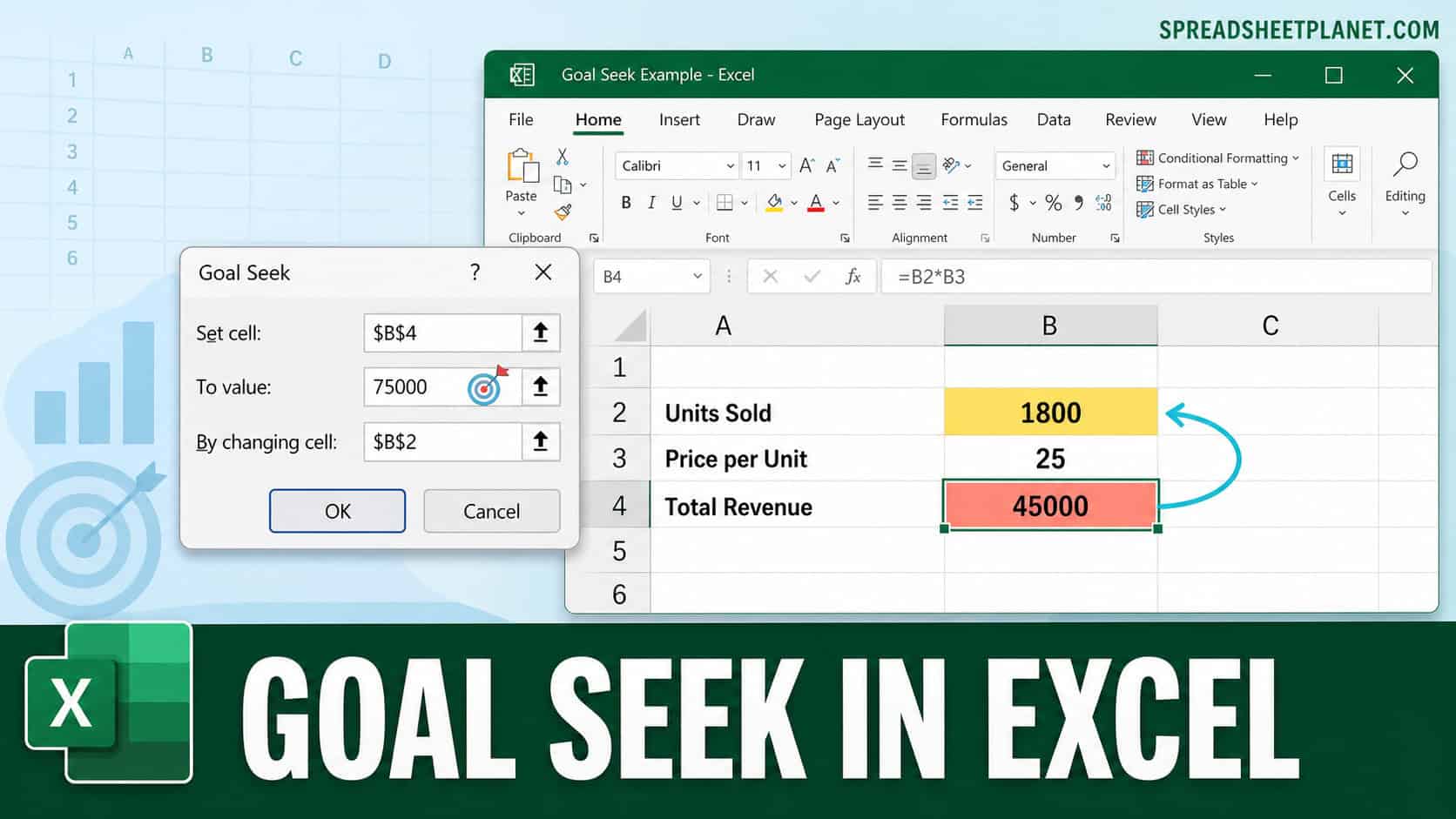
What price gives you a 30% margin after fees? How many production batches cover an order? How much customer churn can you afford? Goal Seek in Excel answers these questions …
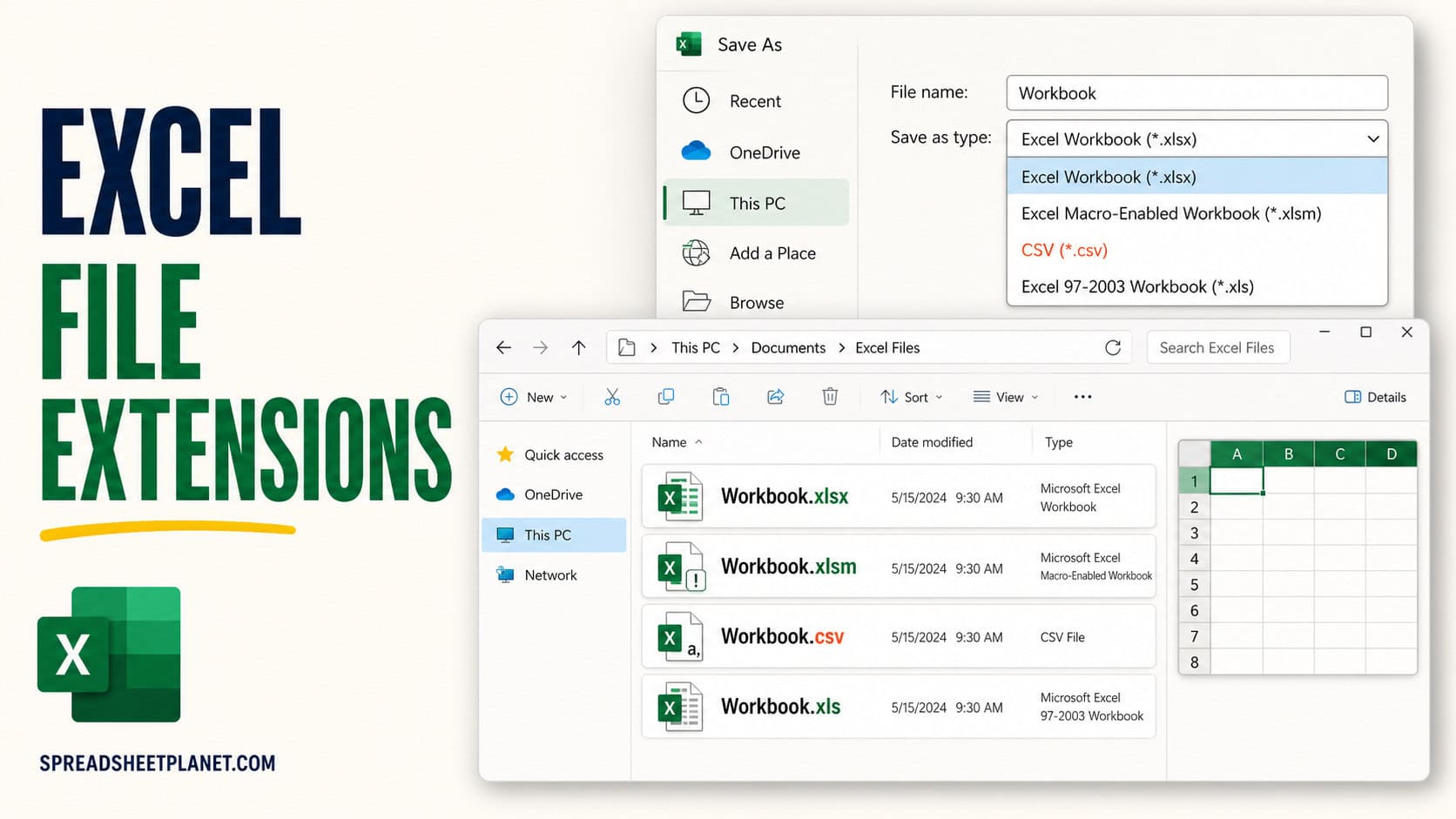
If you want to know what .xlsx, .xls, or .xlsm means, look at the file extension at the end of the name. It tells Excel and Windows what kind of …
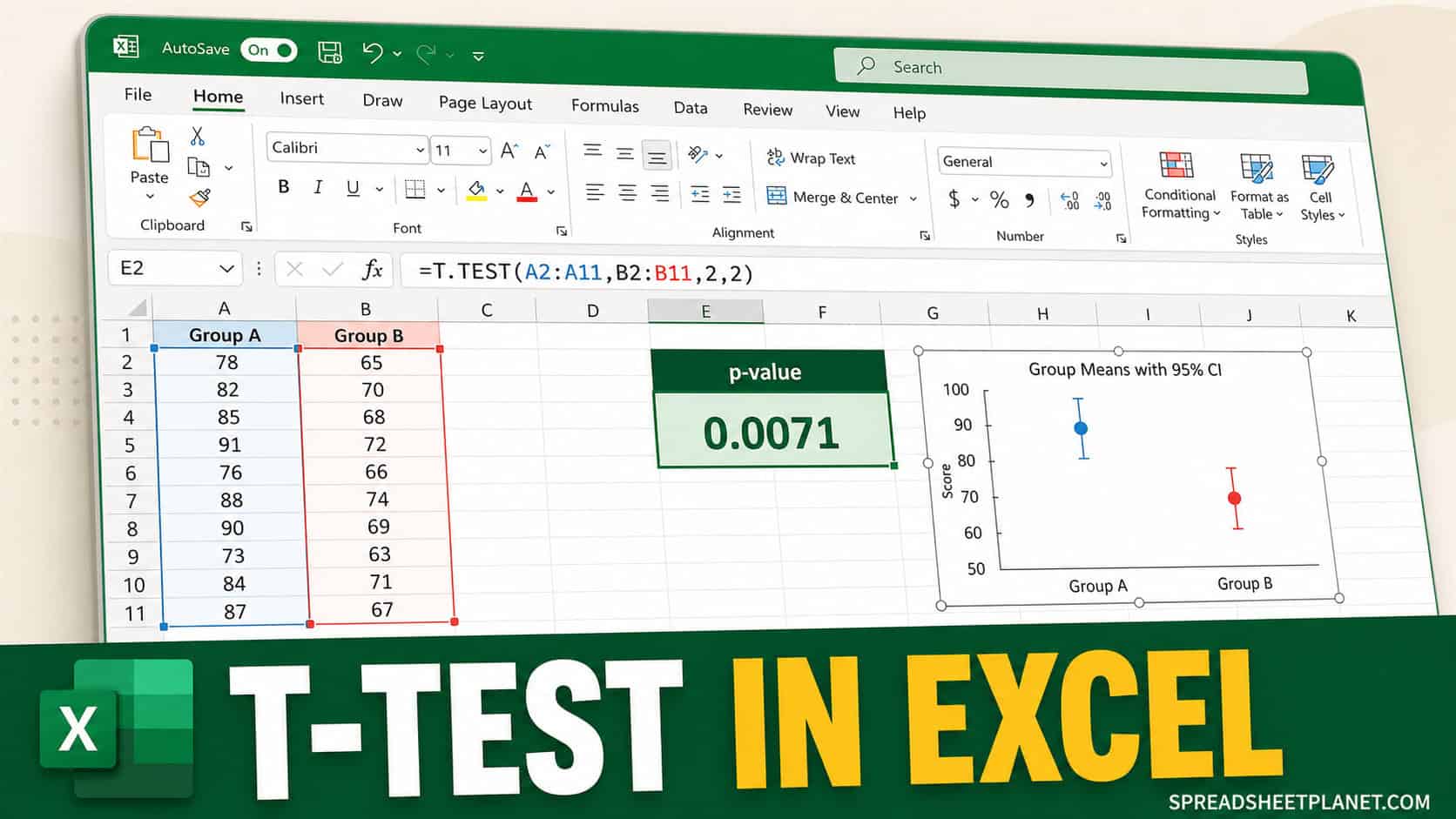
If you want to know whether a difference between two groups would be unusual under a null hypothesis of equal population means, a t-test is one way to check. Excel …
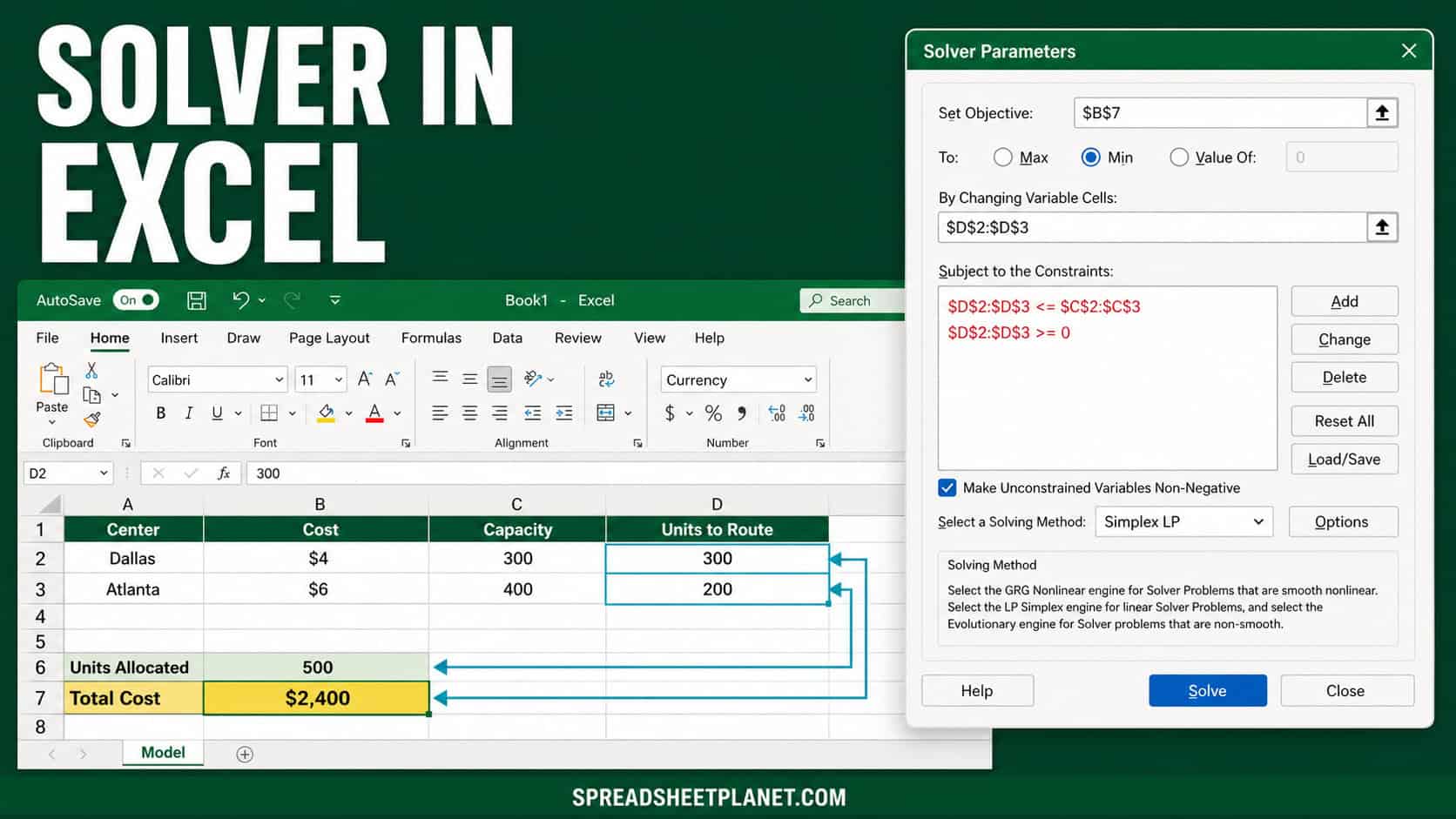
If you have a decision with a few moving parts, like splitting work across two locations for the lowest cost, Solver in Excel can find the best answer for you. …
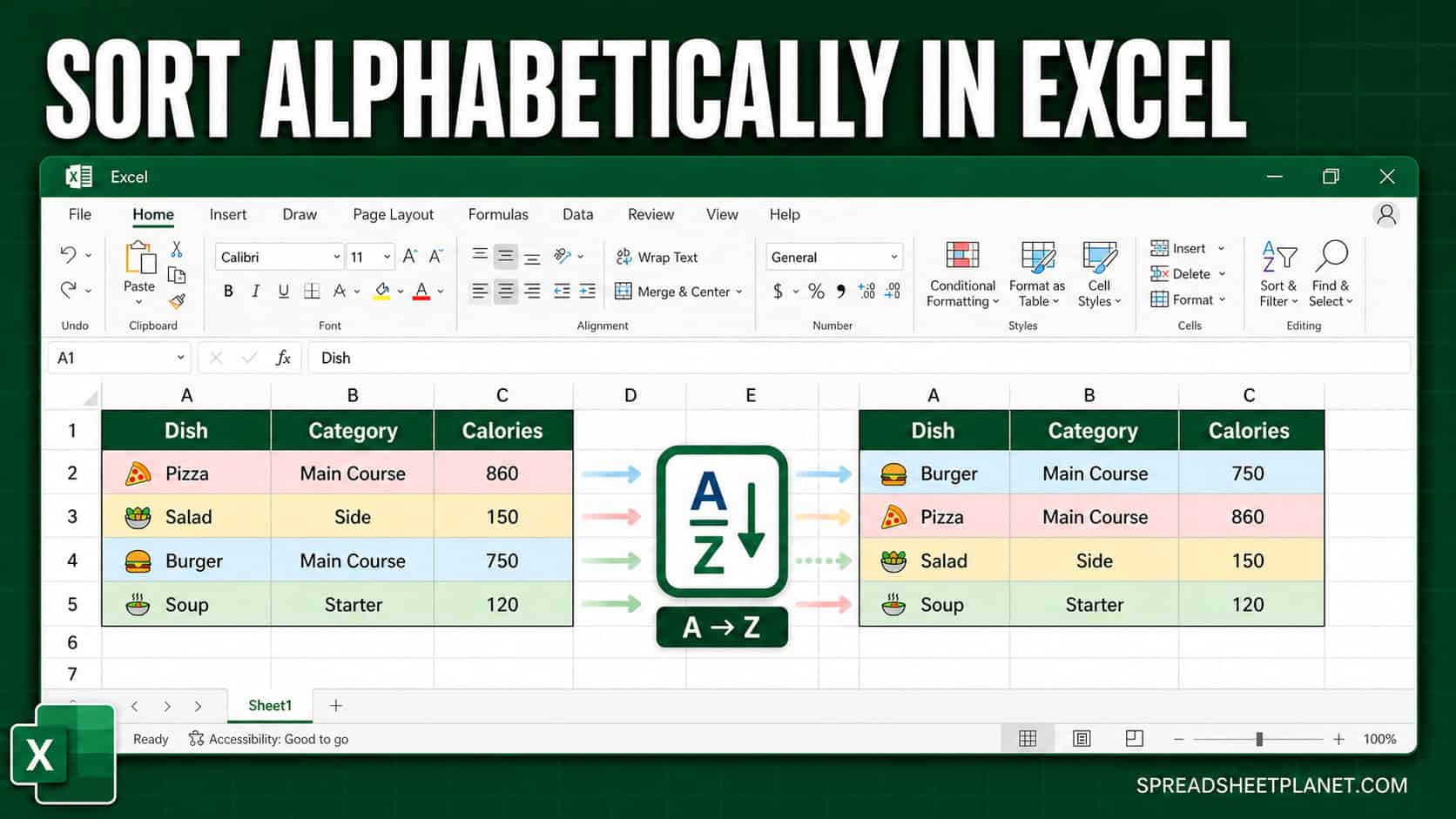
If you have a column of names, products, or any text and you want it in A-to-Z order, Excel gives you more than one way to get there. The tricky …
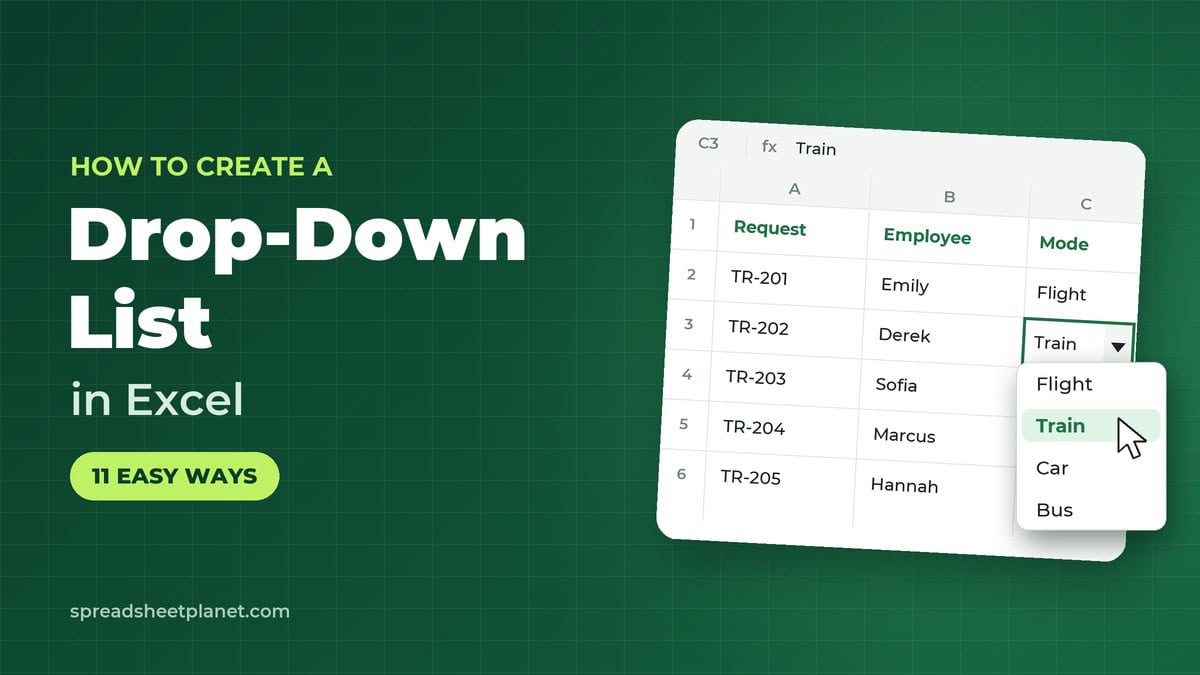
If you enter data in Excel often, a drop-down list can save time. With the drop-down, you pick an option instead of typing it. That helps prevent typos and wrong …