How to Filter by Date in Excel (Including Date Ranges)

Need just one month’s records from your Excel log, or everything between two dates? I’ll show you how to filter that date column without removing the other records. For quick …

 Steve Scott
Need just one month’s records from your Excel log, or everything between two dates? I’ll show you how to filter that date column without removing the other records. For quick …

A stacked bar chart in Excel gives each category one horizontal bar, split into colored segments for its parts. You can compare the overall size and the mix at a …

You have a column of messy bank transaction descriptions in Excel and want categories like Dining or Fuel beside them without tagging each row by hand. You can categorize text …

Excel uses double quotes to mark text in a formula, so typing a quote you want to display can confuse it. To display that character, you need to tell Excel …

You have an Excel formula such as =Denver!C10, but it keeps pointing to Denver when you need another sheet. You’d rather type a sheet name in a cell and have …

Monthly sales sheets in Excel often share the same layout, but you still need one total per drink across all those months. Using SUMIF across multiple sheets seems straightforward until …

A running total in Excel shows you the total so far on every row. It’s also called a cumulative sum. A running balance carries forward an opening balance, adding money …

Rounding to significant figures in Excel lets you report lab or science results to a consistent precision, even when your numbers have very different sizes. Counting starts at the first …

Monthly averages in Excel help you spot trends hidden among individual daily records, such as a change in your typical calories burned per workout. Each average combines the records from …

If you need to repeat rows in Excel, there’s no Repeat Rows button to do it for you. You might want each row repeated, the whole list repeated, or a …
You can calculate a retirement date in Excel from an employee’s birth date and retirement age. The formula depends on whether retirement falls on a birthday or at month-end. I’ll …
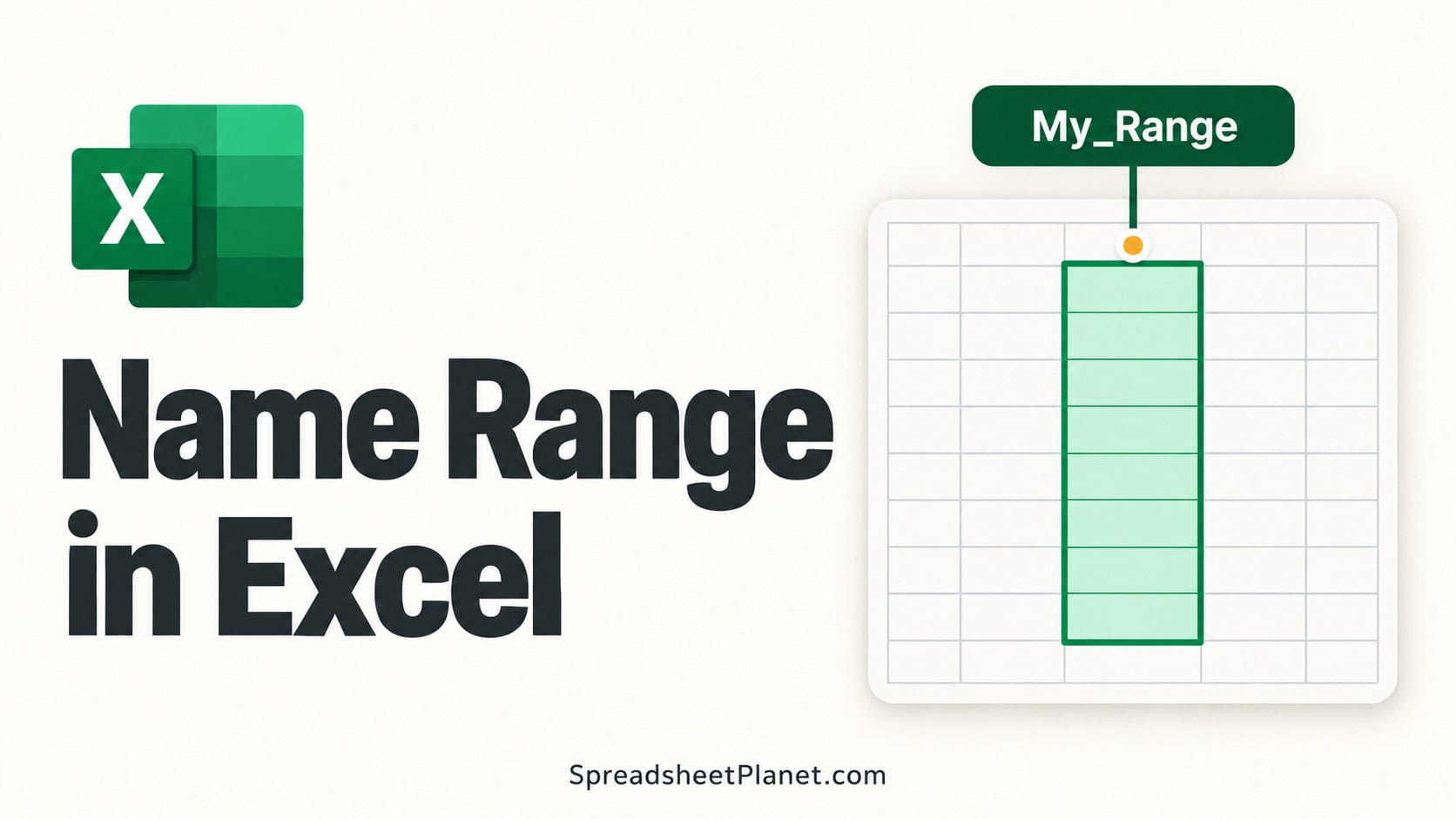
A named range in Excel gives a cell or group of cells a label you can use in formulas instead of a cell address. That label stays connected to the …