How to Pull Stock Prices into Excel
You can get stock prices in Excel without copying each quote from a website. The Stocks data type connects a company or ticker symbol to its market information. Check the …

 Steve Scott
You can get stock prices in Excel without copying each quote from a website. The Stocks data type connects a company or ticker symbol to its market information. Check the …
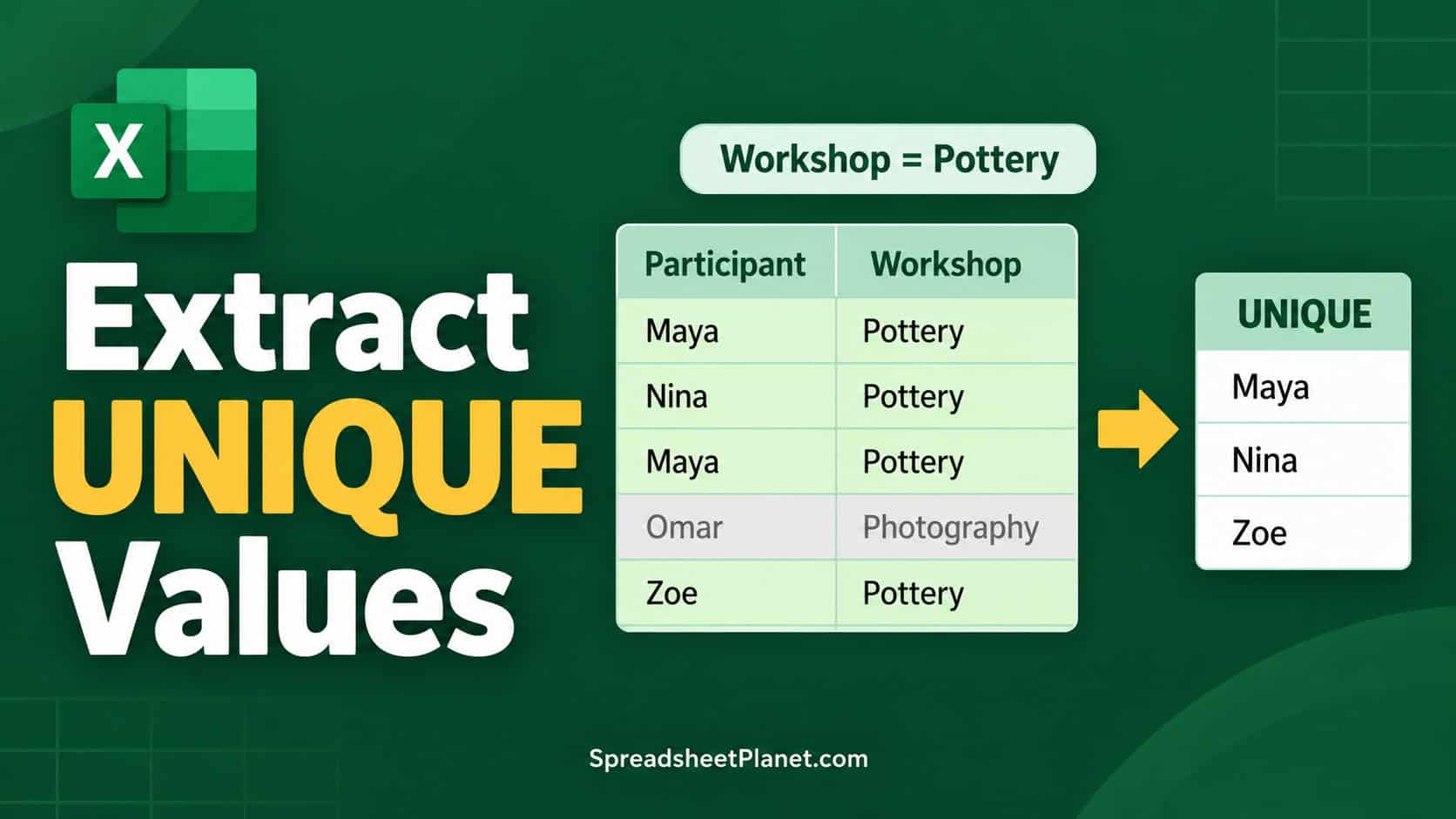
Getting unique values with criteria in Excel means keeping one copy of each value, but only from rows that meet your conditions. You might need a customer list for one …
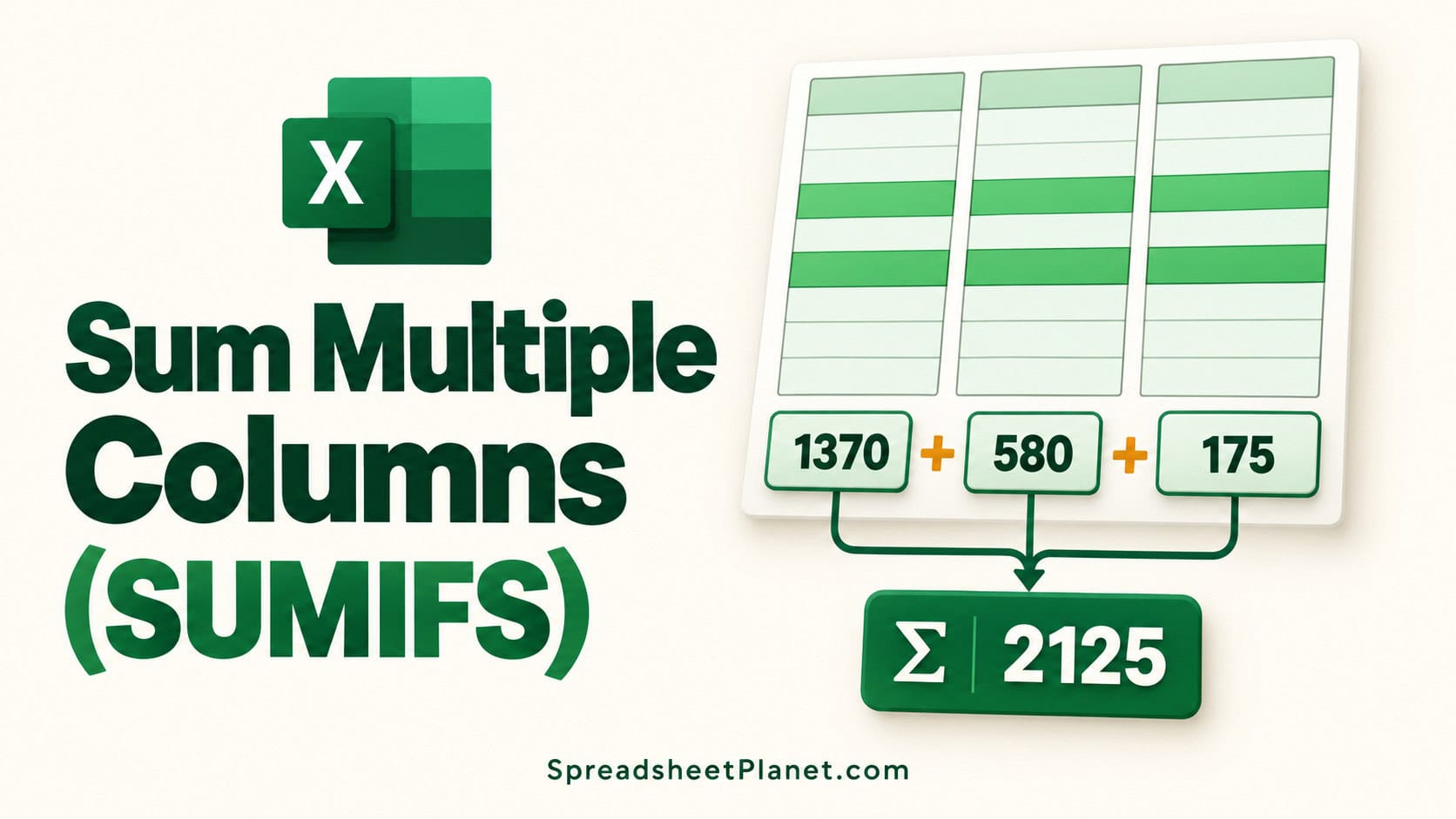
The SUMIFS function in Excel adds values that meet your conditions, but summing several cost columns takes more than widening its sum range. When your criteria occupy one column, SUMIFS …
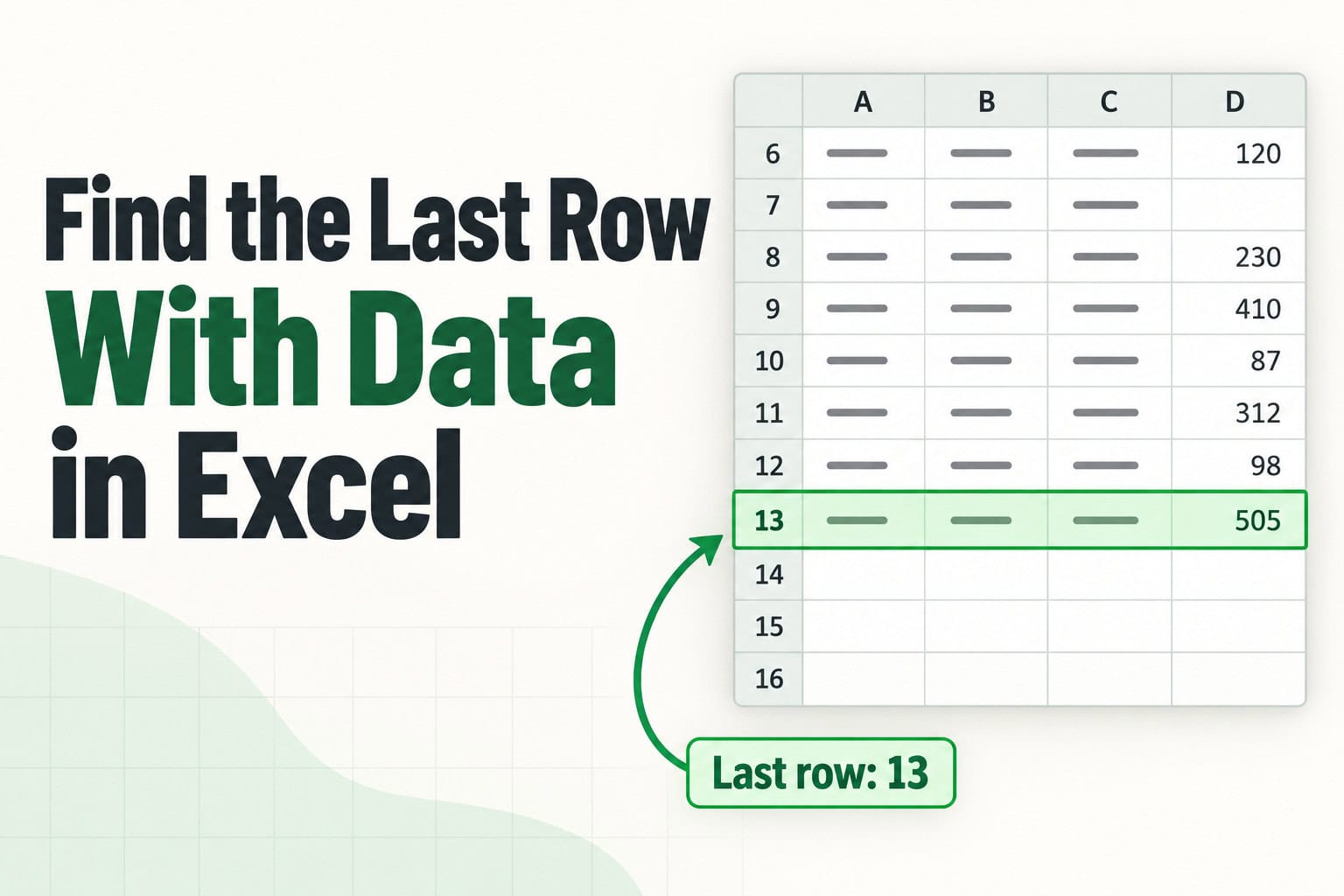
If you add rows to a list every week, you’ll often need to know where the data ends. Sometimes you just want to jump there. Other times you need that …
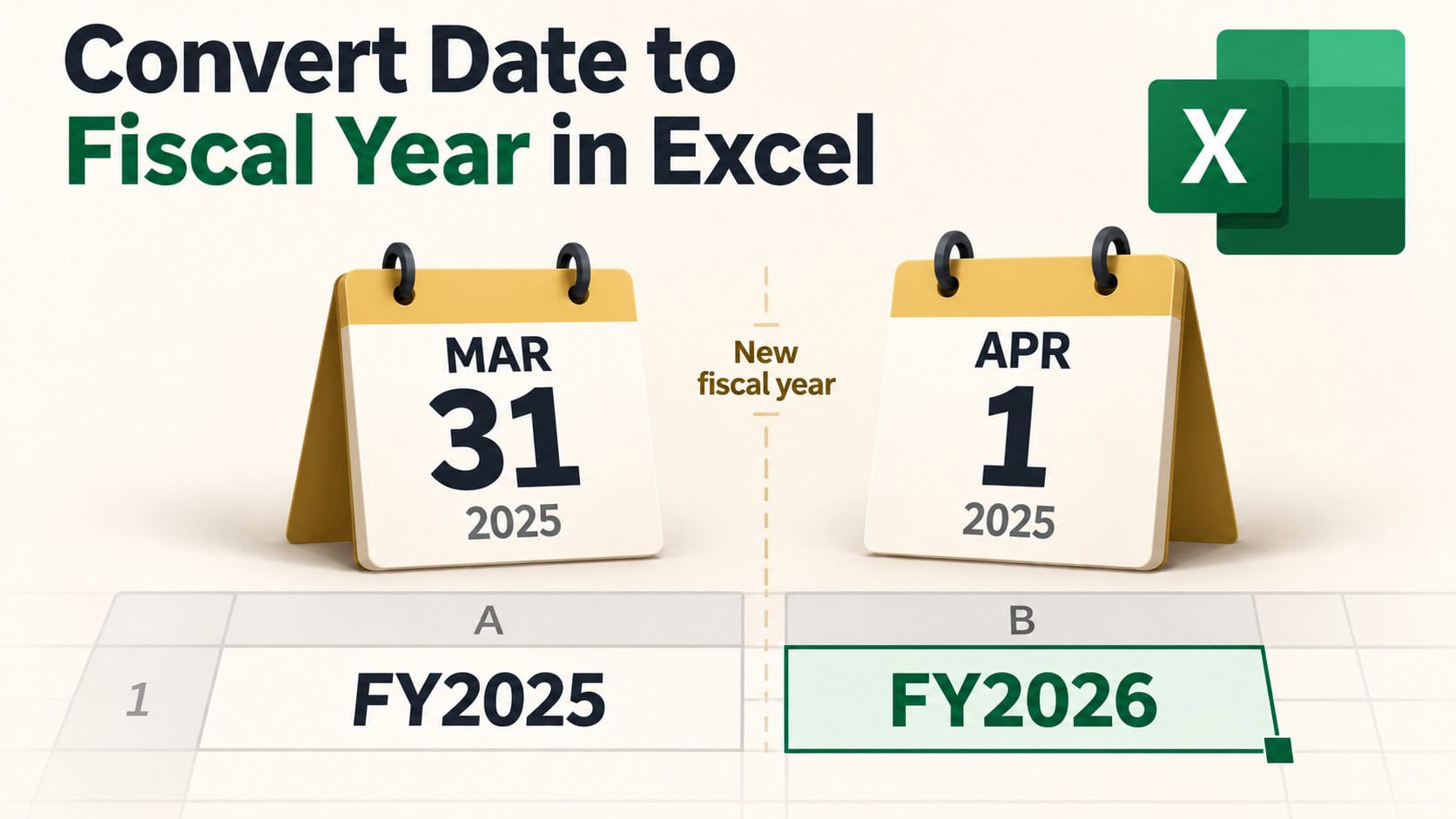
A fiscal year is the 12-month period a company or government uses for its accounts, and it often doesn’t start in January. If your fiscal year runs from July to …
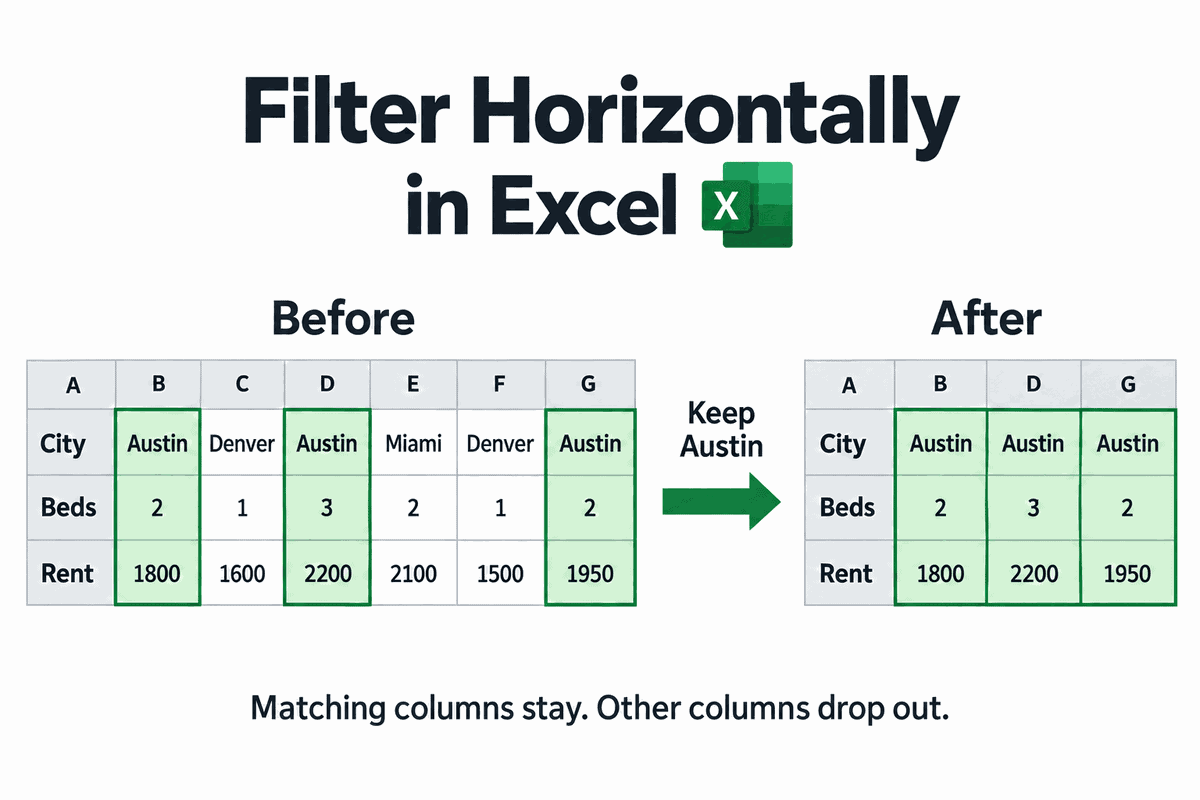
Excel’s Filter button only works one way. It hides rows, so it can’t help when your data runs sideways, with each record in its own column. You see this layout …
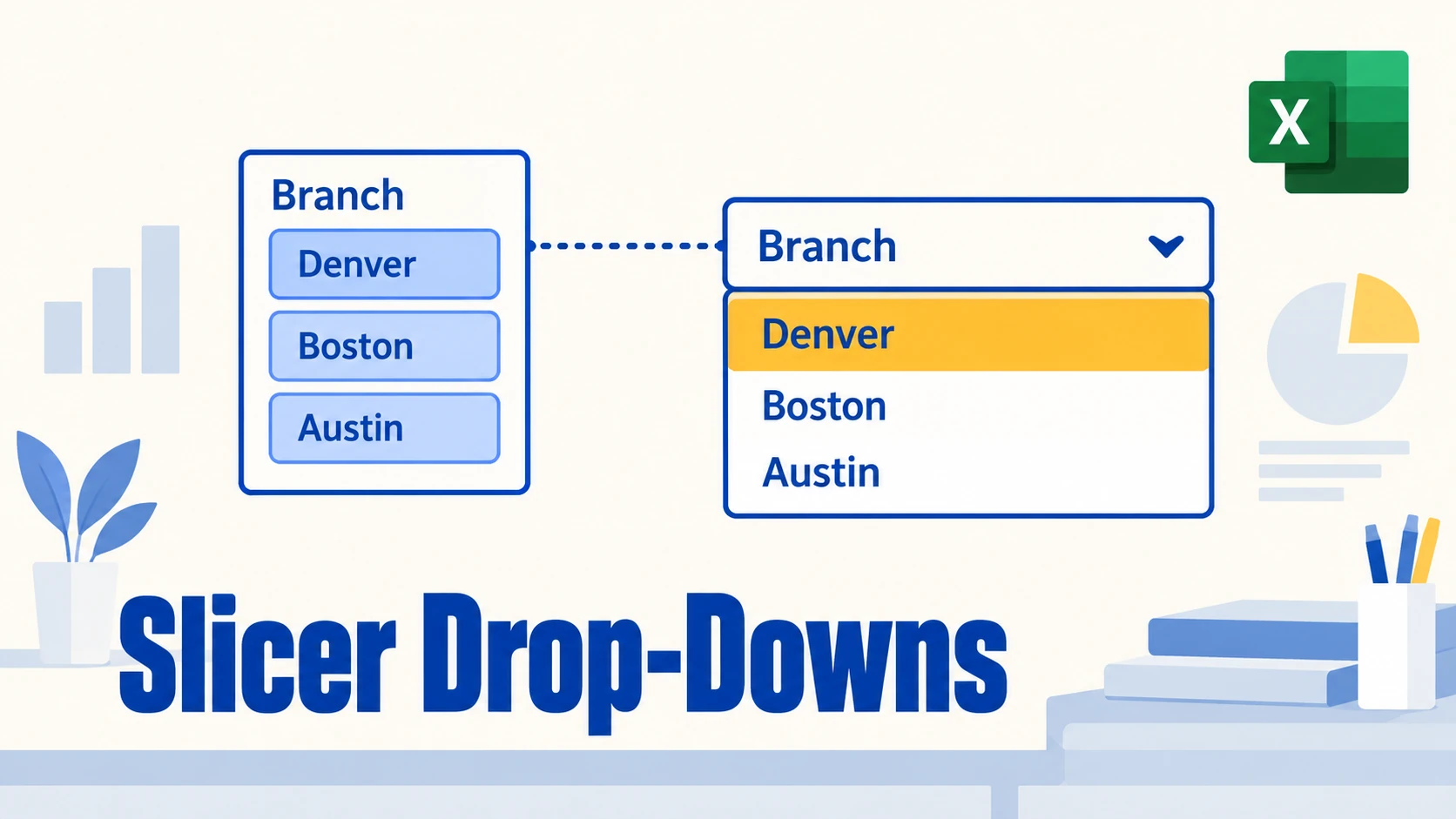
A slicer in Excel lets you filter a PivotTable with one click. But with a lot of items, it becomes a tall stack of buttons that crowds your report. A …

A slicer is great when it has five buttons. When it has 36, you end up scrolling up and down the list, hunting for the one item you want. Excel …
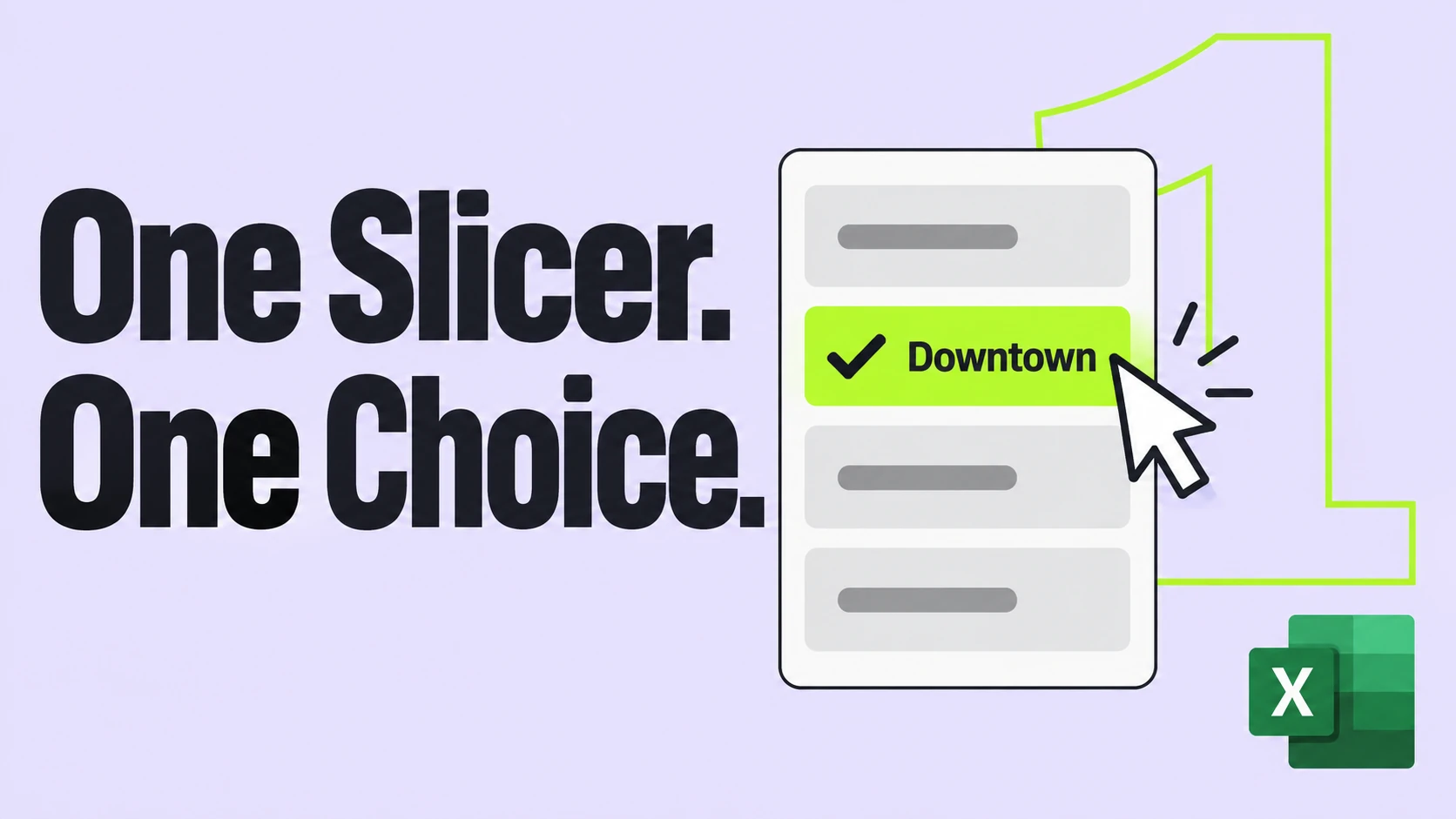
Slicers let anyone filter a report with one click. But some reports only make sense for one item at a time, like a sales summary for a single store or …

Slicers are the easiest way to filter a report. But every new one looks the same, with small text on pale blue buttons that rarely match your workbook. You can …

Slicers make a report easy to filter, and sheet protection stops people from typing over your numbers. Put the two together, though, and the slicer buttons usually stop responding. That’s …

If you track anything by week, you’ll often need the week start date for each date in your data. That’s the date a Wednesday entry and a Friday entry from …