How to Create, Use, and Remove XML Maps in Excel

An XML map in Excel lets you bring recurring order, invoice, or system-export files into the same worksheet layout each time. You can edit the imported values and send them …

 Steve Scott
An XML map in Excel lets you bring recurring order, invoice, or system-export files into the same worksheet layout each time. You can edit the imported values and send them …
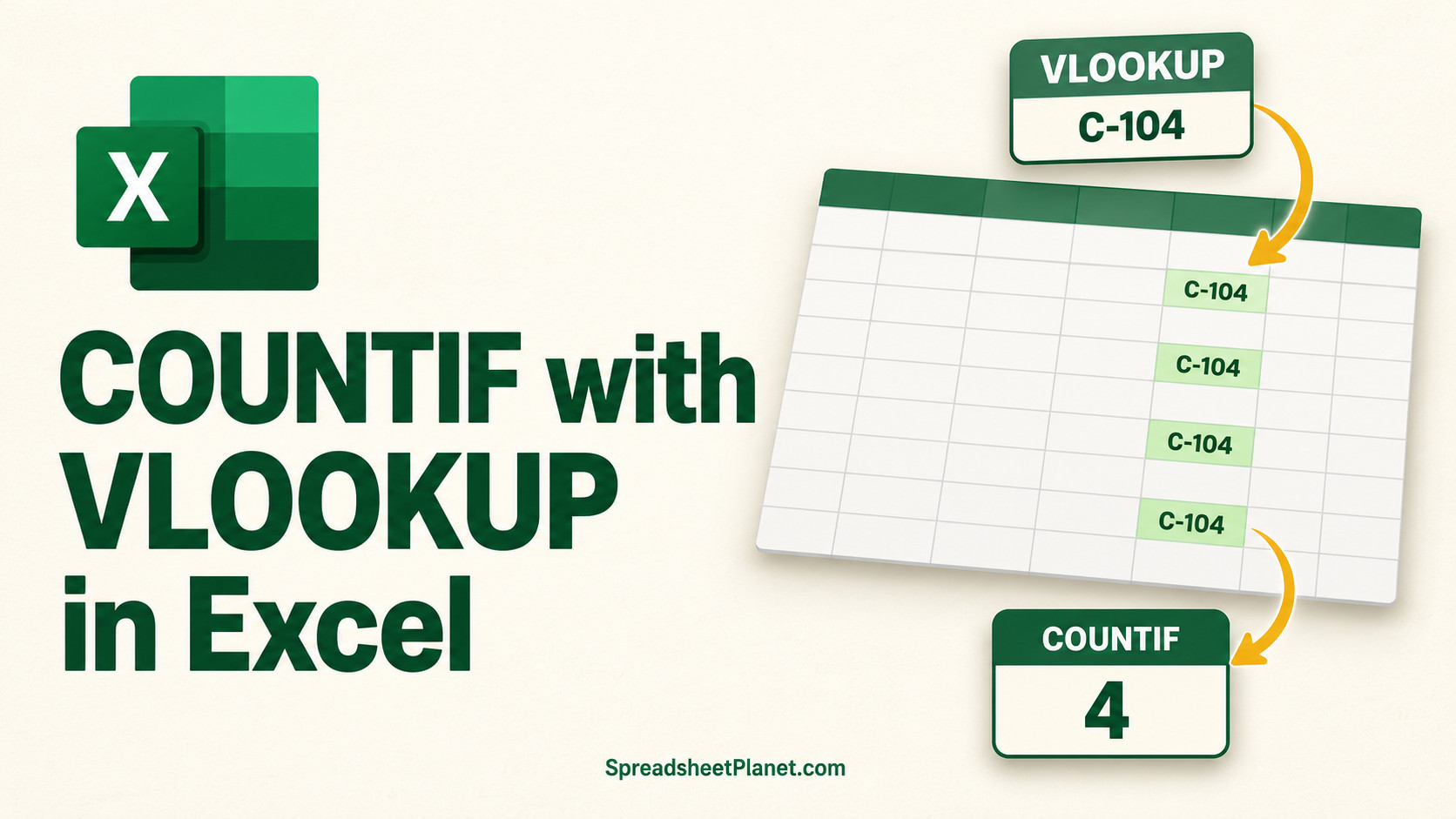
COUNTIF counts matches in Excel, while VLOOKUP returns one value. Together, they can count orders by customer name when the order log stores only customer IDs. You may also want …
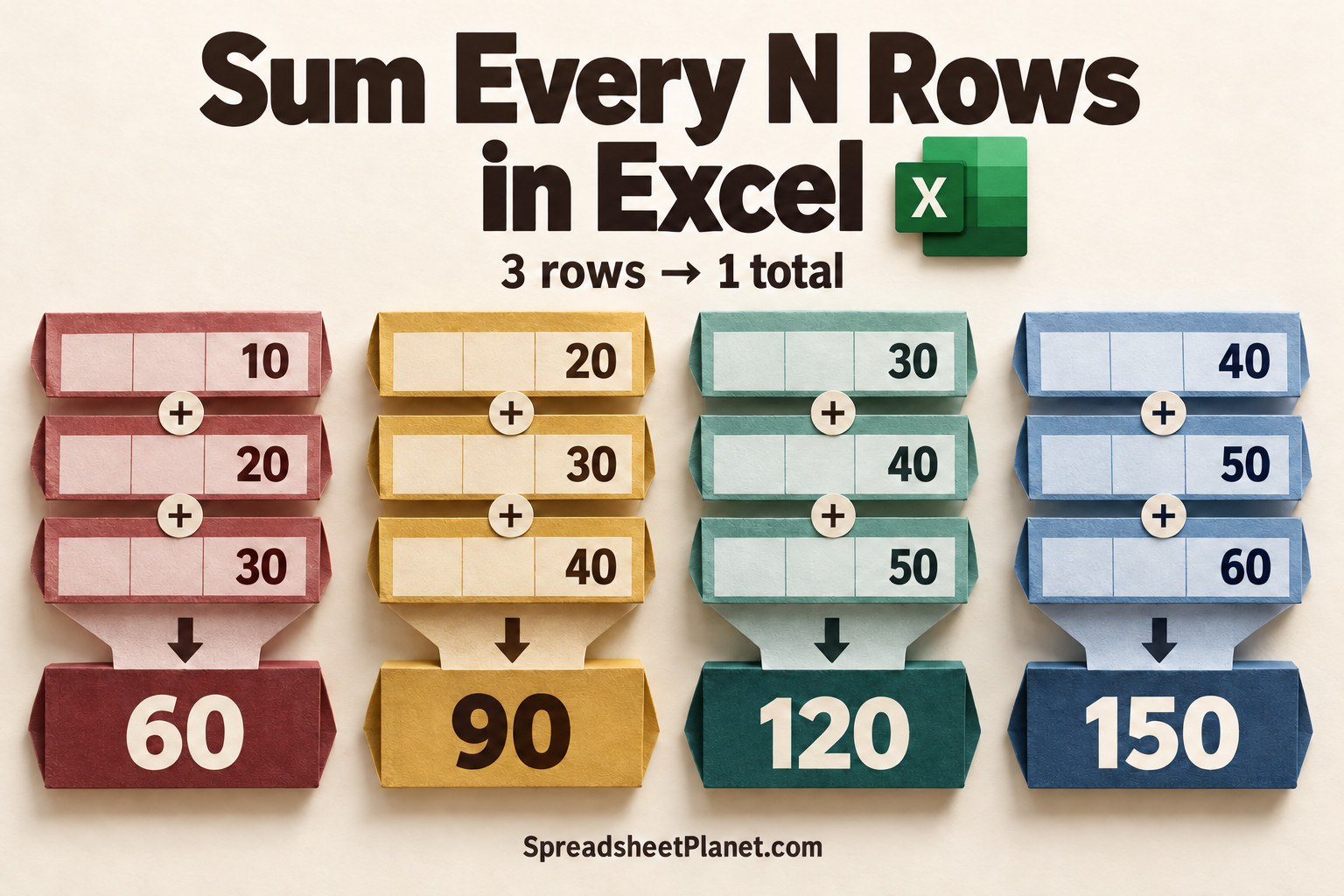
Summing every N rows in Excel lets you pull every third value into one total, or turn monthly sales into separate quarterly totals. A plain SUM over the whole column …
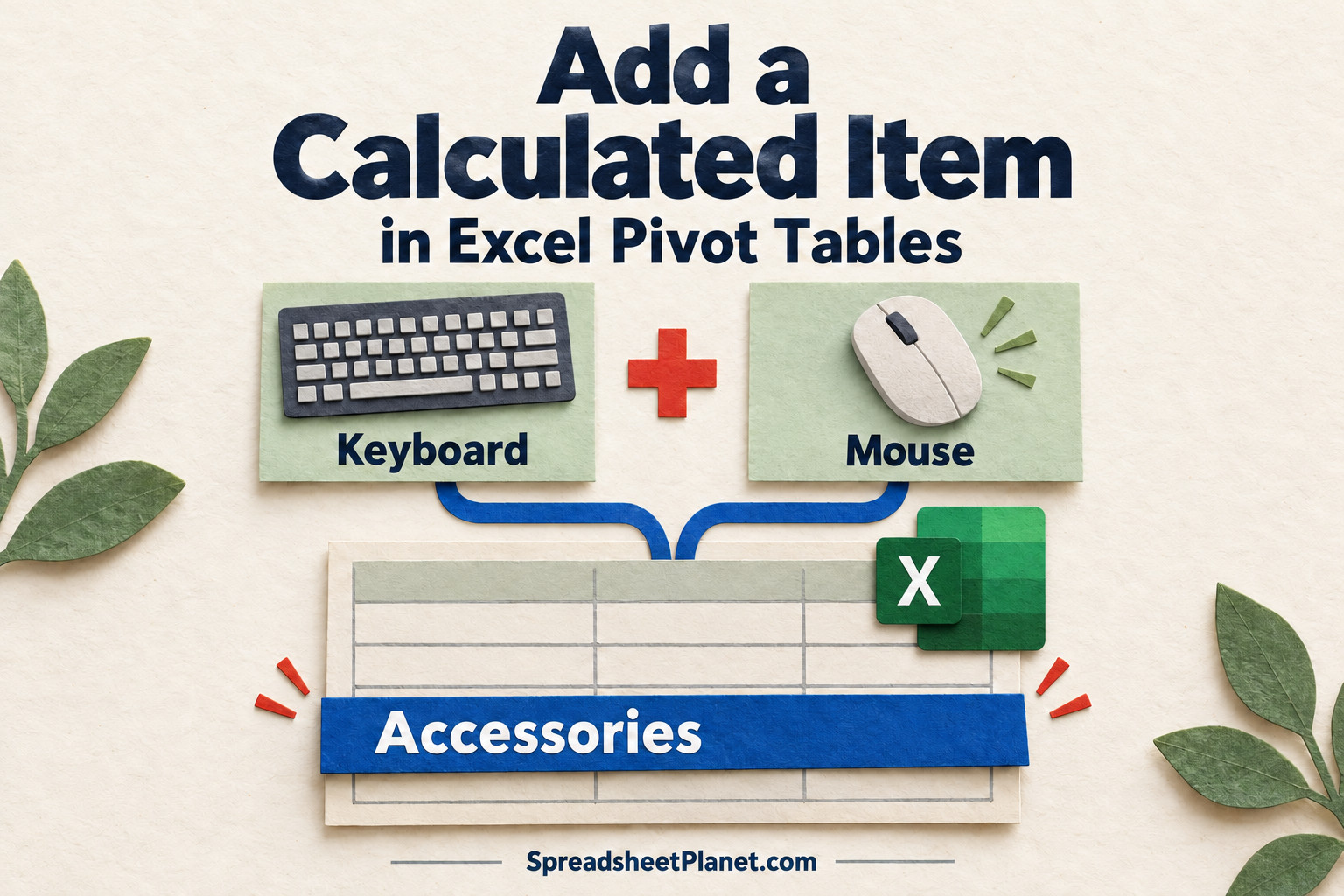
A calculated item adds a new row or column inside an Excel PivotTable field, so you can combine or compare existing items without changing your source data. For example, you …
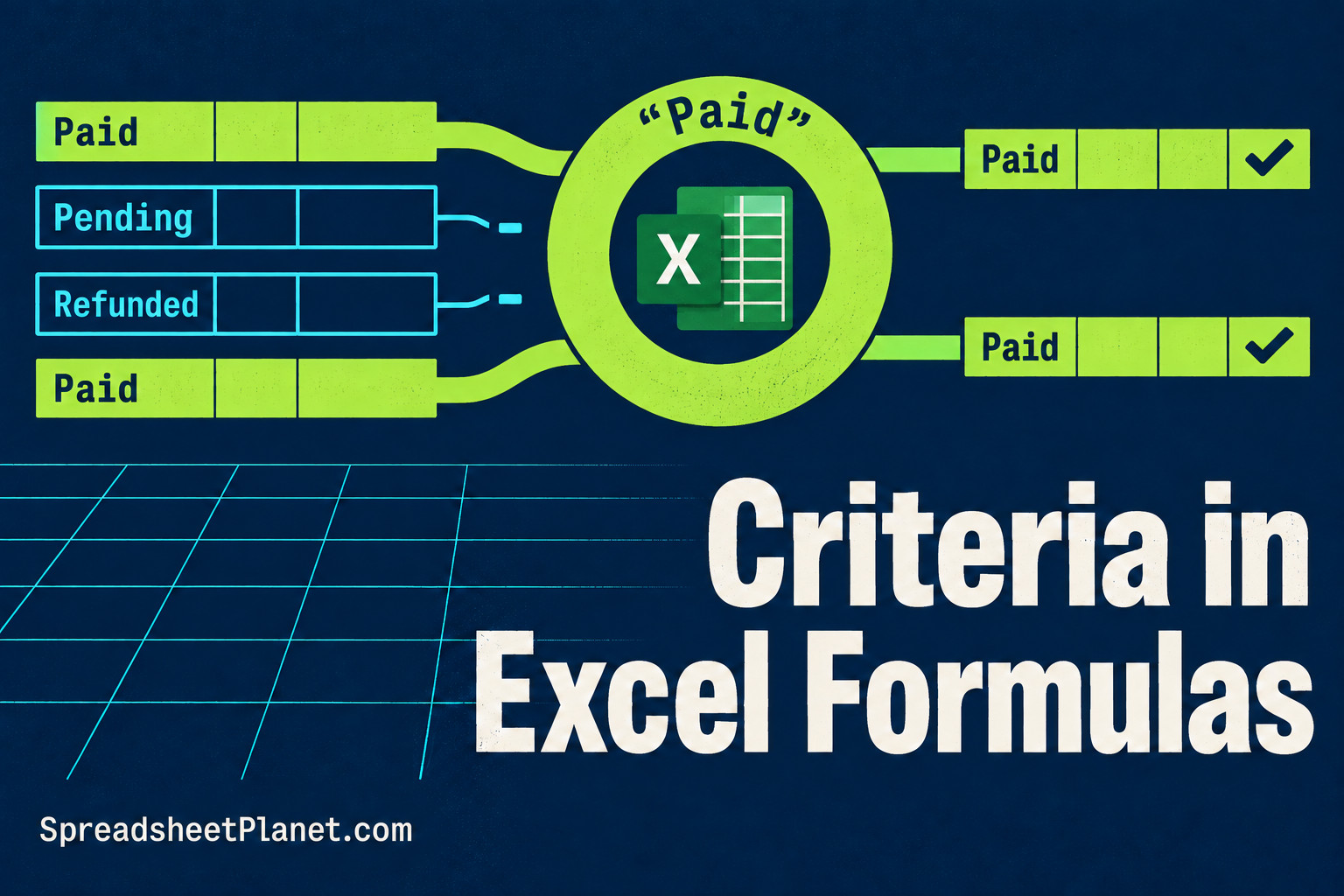
Criteria in Excel formulas let you count or add only the entries you need, such as paid bookings or prices above a limit. You write the condition differently depending on …

Converting currency in Excel lets you compare prices, budgets, and invoices in the same currency. You need an exchange rate as well as the amount. Changing a dollar symbol to …

Excel can handle complex numbers, but it stores them as text. You’ll need its IM functions to calculate with them. Throughout these examples, I’ll use AC circuit impedance, where the …
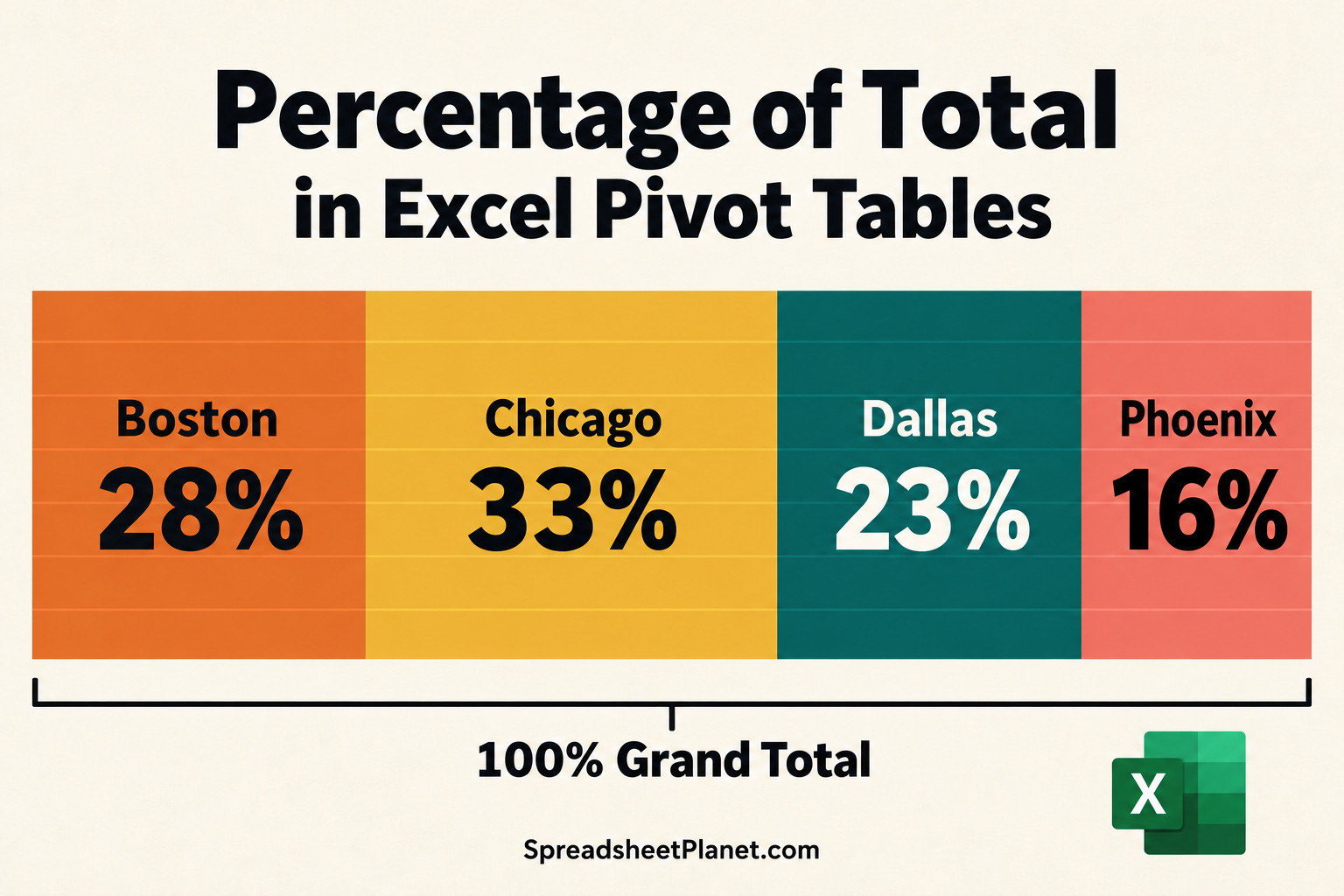
Percentage of total in an Excel PivotTable shows you each item’s share of the whole, so you can spot which store or product contributes most. With built-in Show Values As …

Margin formulas in Excel help you price products and check how much of each sale you keep after costs. Margin and markup both measure profit, but you divide by different …

Grouping data in an Excel PivotTable turns a long list into shorter, readable buckets, such as years and quarters, price bands, or regions. The grouping stays inside the PivotTable, so …

Excel follows a fixed order when calculating your formula, so reading it straight from left to right can lead you to expect the wrong answer. That’s why =5+2*3 returns 11, …

Calculating working days in Excel helps you plan payroll, billable hours, and project deadlines around the days your team actually works. A 31-day month won’t give you 31 working days …