Using Less Than or Equal to Operator in Excel Formula
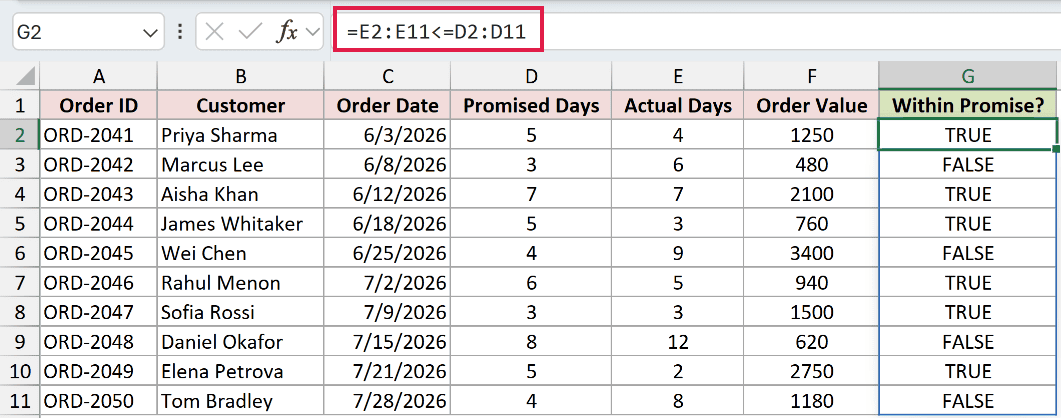
Excel has six comparison operators, and <= is one of the handiest. It asks a simple question: is this value smaller than or the same as that one? The “or …

 Steve Scott
Excel has six comparison operators, and <= is one of the handiest. It asks a simple question: is this value smaller than or the same as that one? The “or …
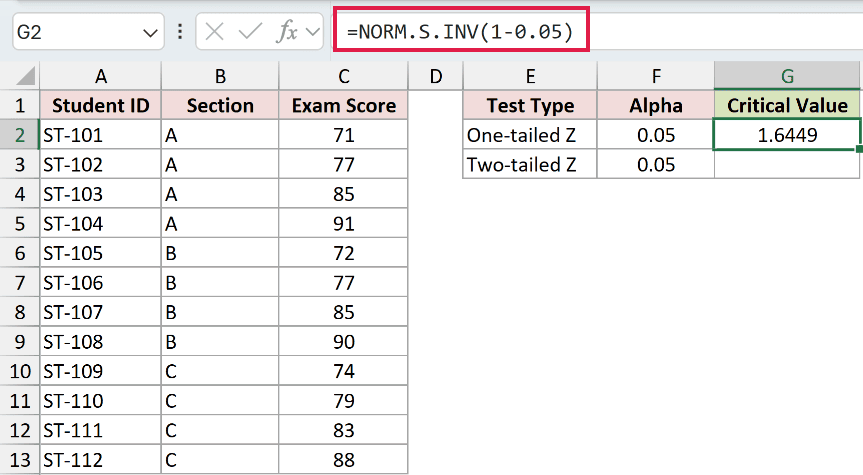
If you’re running a hypothesis test, sooner or later you need a critical value to decide whether your result is actually significant. The tricky part is that Excel has no …
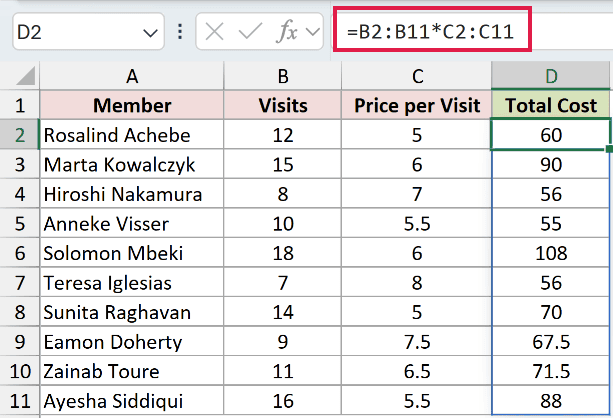
If you want to multiply numbers in Excel, there’s no dedicated “times” button like a calculator has. Instead, you build a small formula and let Excel do the math for …
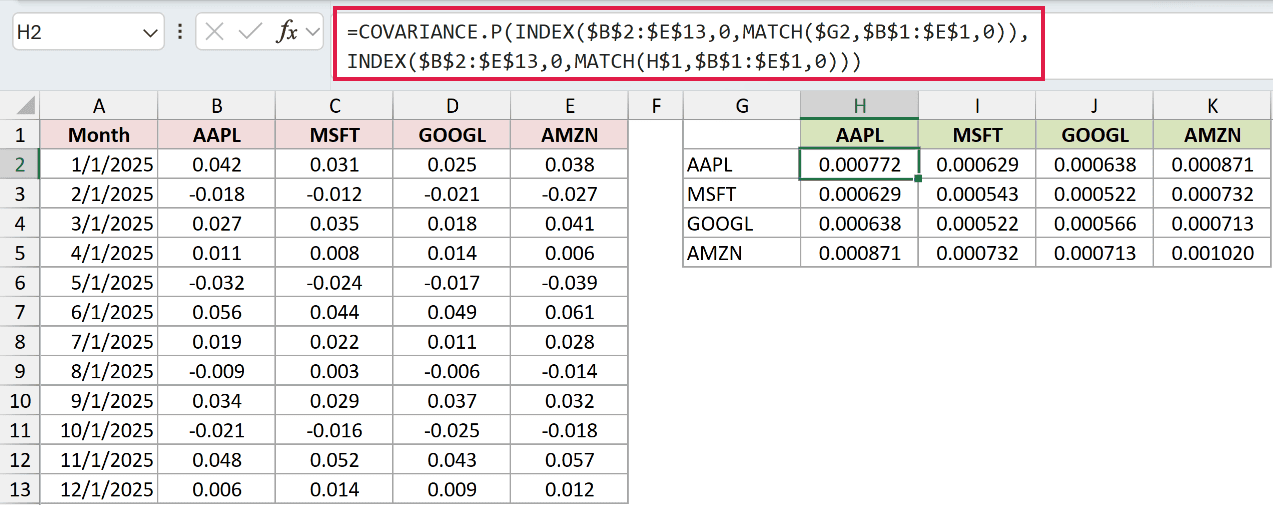
If you want to see how several stocks or variables move together, a single covariance figure between two of them won’t tell the whole story. You need every pair at …

If you want to pull a value out of a table by matching two conditions at once, a plain INDEX MATCH won’t cut it. It looks up a single criterion, …
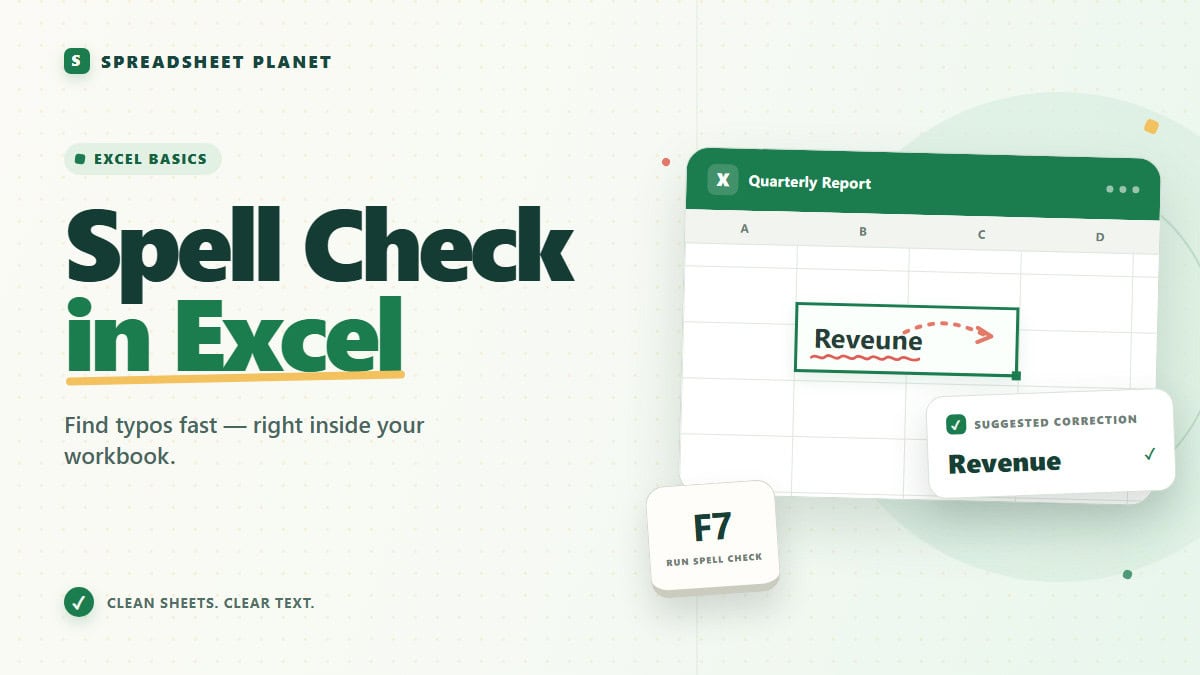
If you want to catch typos before a spreadsheet goes out to your team or a client, Excel has a spell checker built right in. It just sits quieter than …
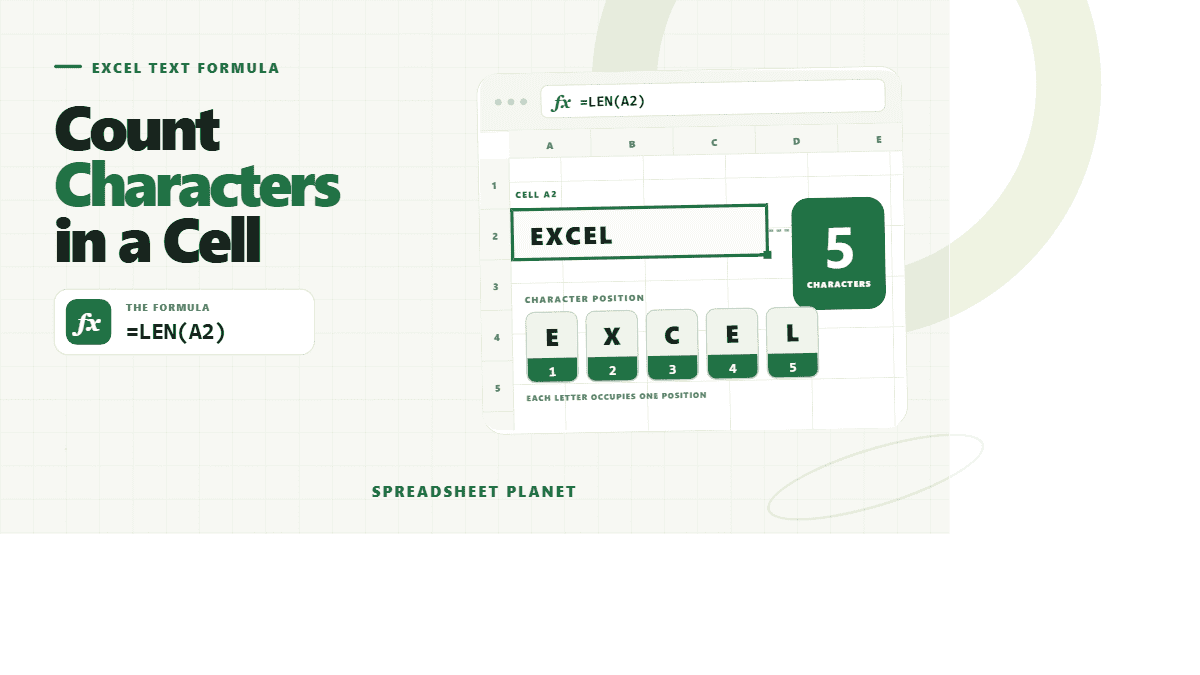
If you want to know exactly how many characters sit inside a cell, Excel can tell you in a second, no manual counting required. The tricky part is that “characters” …
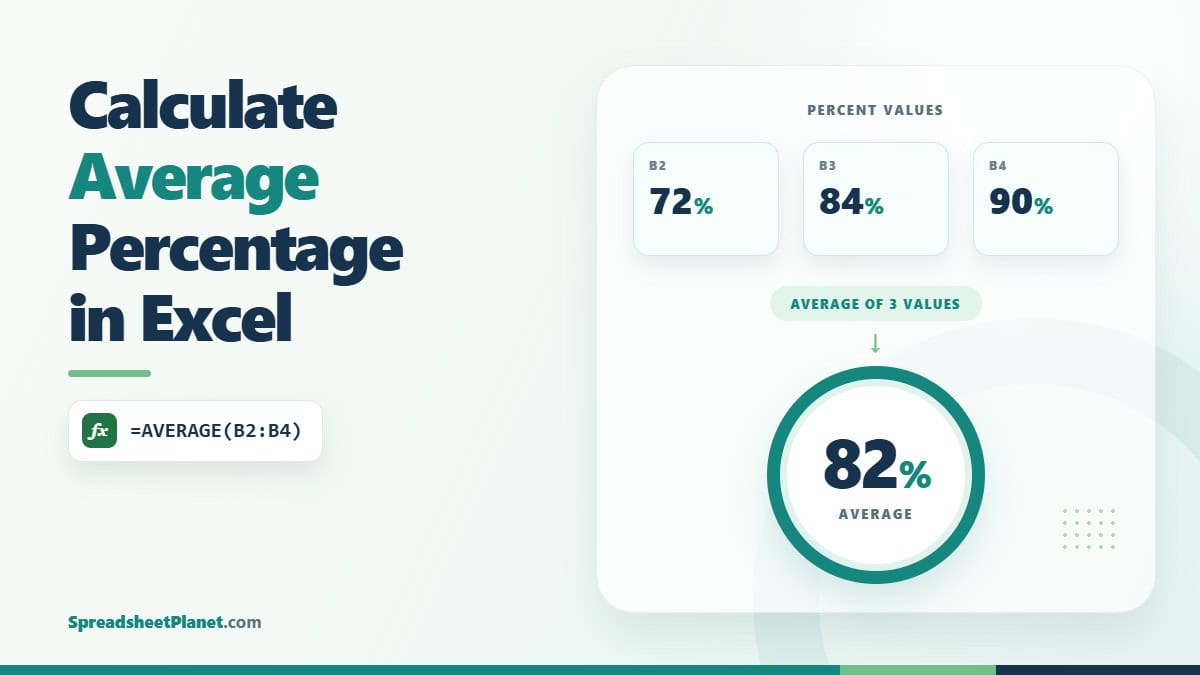
If you have a column of percentages in Excel, getting a single average feels like it should be a quick AVERAGE and done. The catch is that a plain average …
If you want to move between cells with the arrow keys and Excel refuses to budge, the problem is almost never your keyboard. And this is because Excel has a …
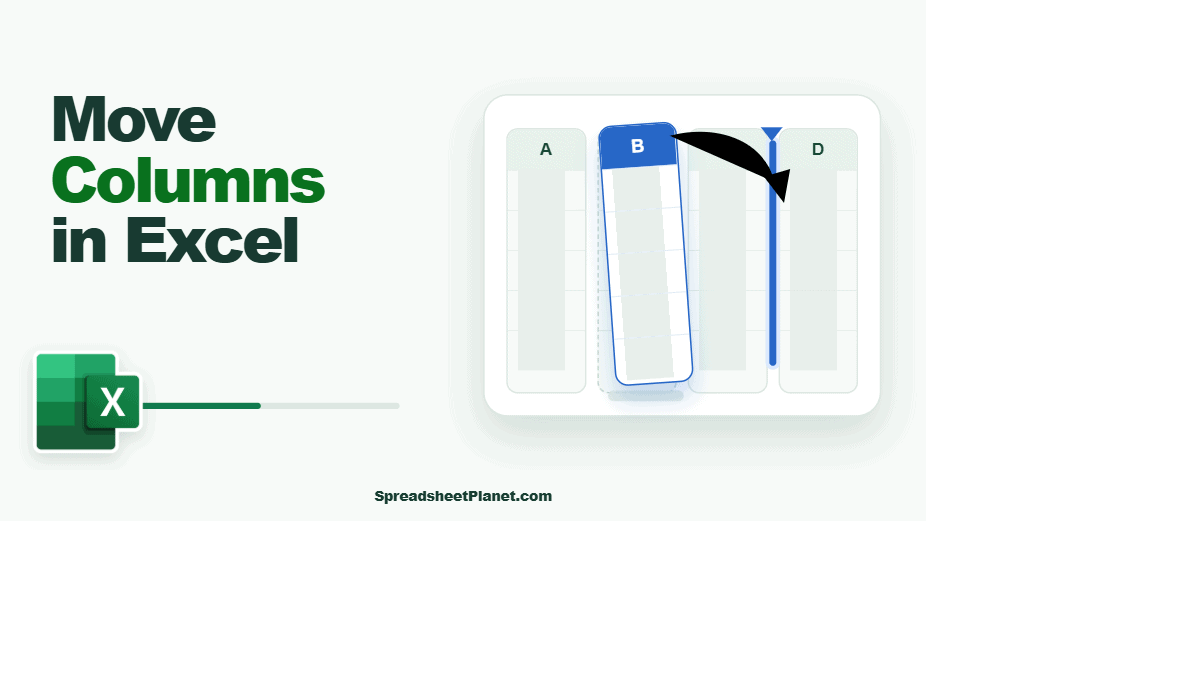
If you want to move a column in Excel so it sits somewhere else in your table, you cannot just drag it across and drop it. A plain drag lands …

If you want to do something when a cell contains a certain word, you cannot just use =IF(C2=”urgent”,”Rush”,”Standard”). And this is because that test asks whether the cell IS urgent, …
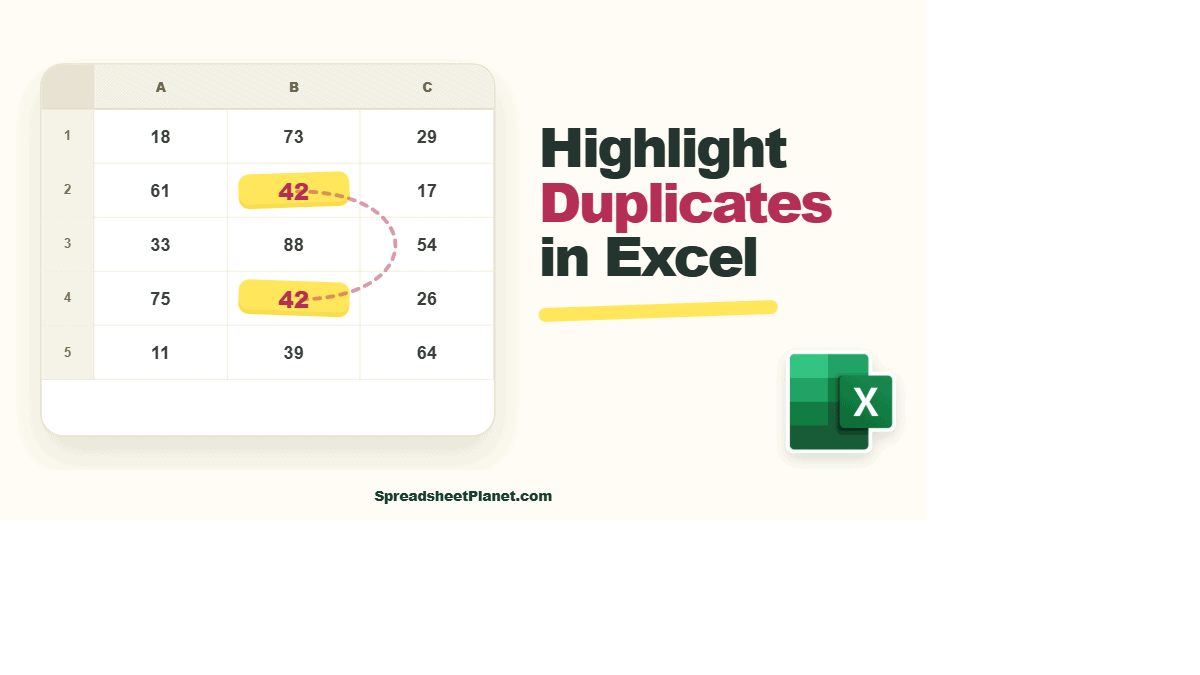
If you want to spot the repeated entries in an Excel sheet, coloring them in is the fastest way to see what you’re dealing with. But Excel’s built-in rule compares …