Skip to content
Spreadsheet Planet
  • About
  • Excel Tips
    • Excel Functions
    • Formulas Tricks
    • Charts
    • Shortcuts
  • Excel VBA
  • Power Query
  • Calculators
  • Newsletter

Steve Scott

I am a huge fan of Microsoft Excel and love sharing my knowledge through articles and tutorials. I work as a business analyst and use Microsoft Excel extensively in my daily tasks. My aim is to help you unleash the full potential of Excel and become a data-slaying wizard yourself.

How to Insert and Edit Equations in Excel

An equation changes from linear notation to a stacked fraction in an Excel worksheet.

Excel’s equation editor lets you show math with stacked fractions and raised exponents, so you can display a model’s calculation in familiar mathematical form. An equation sits in a box …

Read more

How to Create a Broken Axis Chart in Excel

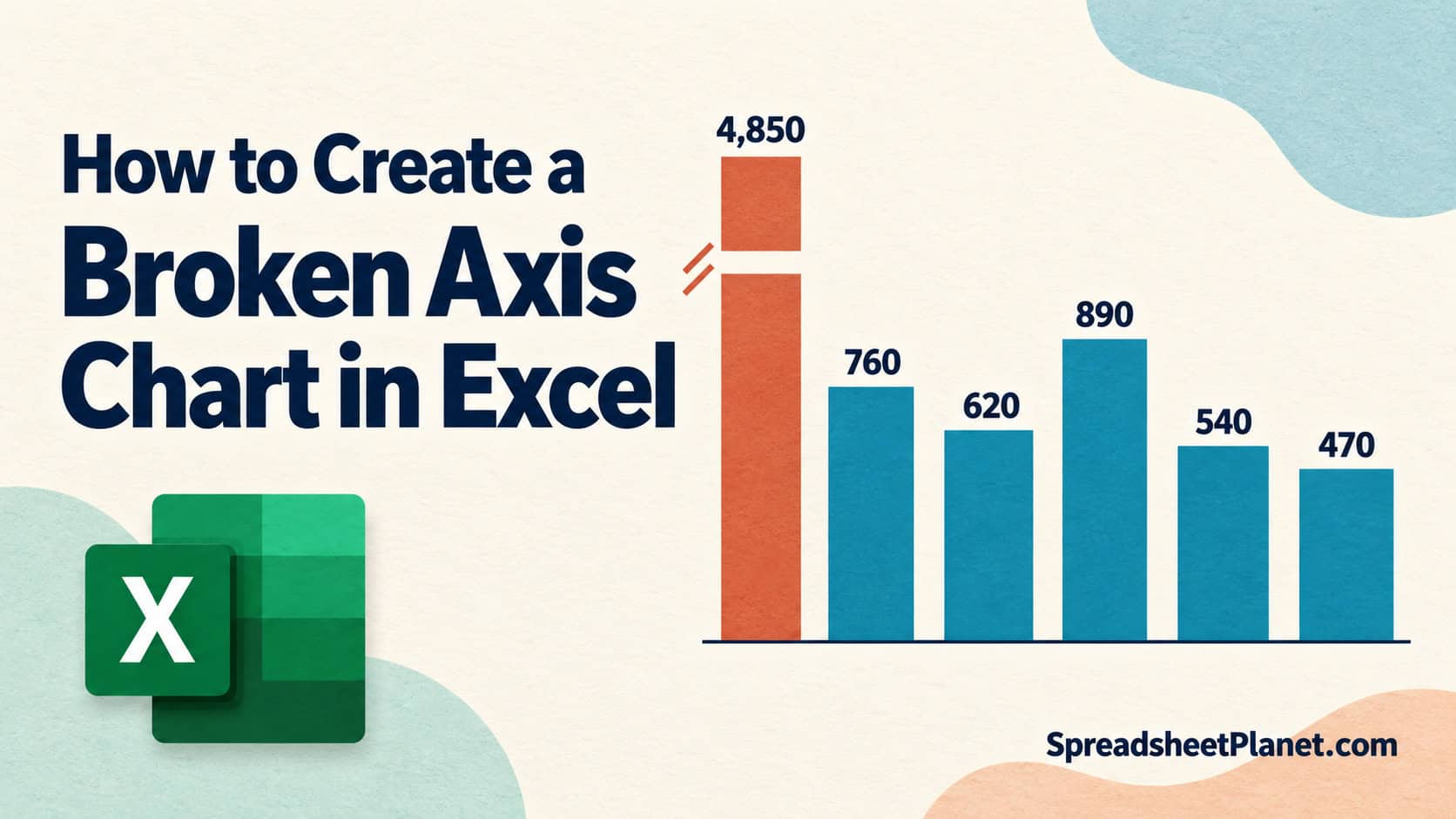
A broken axis separates a 4,850 sales column from five smaller columns in an Excel chart.

A broken axis chart in Excel lets you compare small bars that one much taller bar would otherwise squash near the bottom. It skips an empty stretch of the vertical …

Read more

How to List All Permutations in Excel

Colored M, L, G, and O tiles form different permutations beside the calculation 4! = 24.

Listing all permutations in Excel means writing out every possible order of your items, so A then B counts as different from B then A. Excel can count these arrangements, …

Read more

How to Insert and Link an Excel File in PowerPoint

An Excel worksheet linked by a chain to a PowerPoint slide containing spreadsheet data.

You can put Excel numbers on a PowerPoint slide as a separate copy or keep the slide connected to the workbook so it follows your changes. A normal paste puts …

Read more

How to Add and Customize Data Bars in Excel

Excel data bars show 25%, 55%, and 85% against a shared 100% scale.

Data bars in Excel let you compare numbers at a glance by drawing a bar inside each cell, with longer bars for larger values. You’ll find them under conditional formatting, …

Read more

External Data Connections Have Been Disabled in Excel: How to Fix?

A disabled connection from Sales.csv to Excel pauses at a security shield beside Enable Content.

Excel’s yellow “External Data Connections have been disabled” bar tells you it has blocked your workbook’s data connections until you decide the file is safe. You can get this warning …

Read more

How to Calculate Autocorrelation in Excel

A data series and its one-period-lagged copy illustrate autocorrelation in Excel.

Autocorrelation in Excel helps you check whether values in a time series are related to earlier values, such as sales in consecutive months. Running CORREL on two shifted ranges gives …

Read more

How to Create a Stopwatch in Excel

A stopwatch reading 0:01:27 beside Start, Stop, and Reset controls on an Excel grid.

A stopwatch in Excel lets you time a task or practice run and keep the result alongside your work. Excel has no built-in stopwatch, though. Its NOW function returns the …

Read more

Excel Not Saving Formatting: Causes and Fixes

A CSV sheet loses colored formatting while an XLSX sheet retains its formatted cells.

You format an Excel sheet, save it, and reopen it only to find the colors, borders, or number formats gone. Most of the time, the cause is the file type …

Read more

How to Create Automatic Rolling Months in Excel

A rolling calendar ribbon moves from November and December 2026 into January 2027 above an Excel grid.

Automatic rolling months in Excel let your budget or forecast move forward without retyping the month headers every month or year. You can link all 12 months to one start …

Read more

How to Sum Multiple Matching Rows in Excel

Four rows for Maria combined into a total of $5,870 in Excel.

When you need to sum multiple matching rows in Excel, VLOOKUP and XLOOKUP return only the first sale for a repeated name. I’ll use SUMIF for one name, SUMIFS when …

Read more

How to Create and Customize a Treemap Chart in Excel

Excel treemap with nested rectangles for Coffee, Bakery, Sandwiches, and Tea.

A treemap chart in Excel helps you compare each category’s share of a total and see which items contribute most. It fills the chart with rectangles, called tiles, whose sizes …

Read more

Older posts
Newer posts
← Previous Page1 Page2 Page3 … Page55 Next →

MOST POPULAR ARTICLES

How to Compare Two Columns in Excel (using VLOOKUP & IF)

Multiple If Statements in Excel (Nested Ifs, AND/OR)

How to Remove Dashes (-) in Excel?

Center the Worksheet Horizontally on the Page in Excel

Merge First and Last Name in Excel

Remove Commas in Excel (from Numbers or Text String)

Why does Excel Open on Startup (and How to Stop it)

Remove Apostrophe in Excel

How to Unsort in Excel (Revert Back to Original Data)

Microsoft Excel Terminology (Glossary)

spreadsheetplanet.com is a participant in the Amazon Services LLC Associates Program, an affiliate advertising program designed to provide a means for sites to earn advertising fees by advertising and linking to Amazon.com

2026 © spreadsheetplanet.com Privacy Policy | Terms of Service | Refund Policy | Sitemap | Contact Us

DMCA.com Protection Status