How to Create a Histogram in Excel
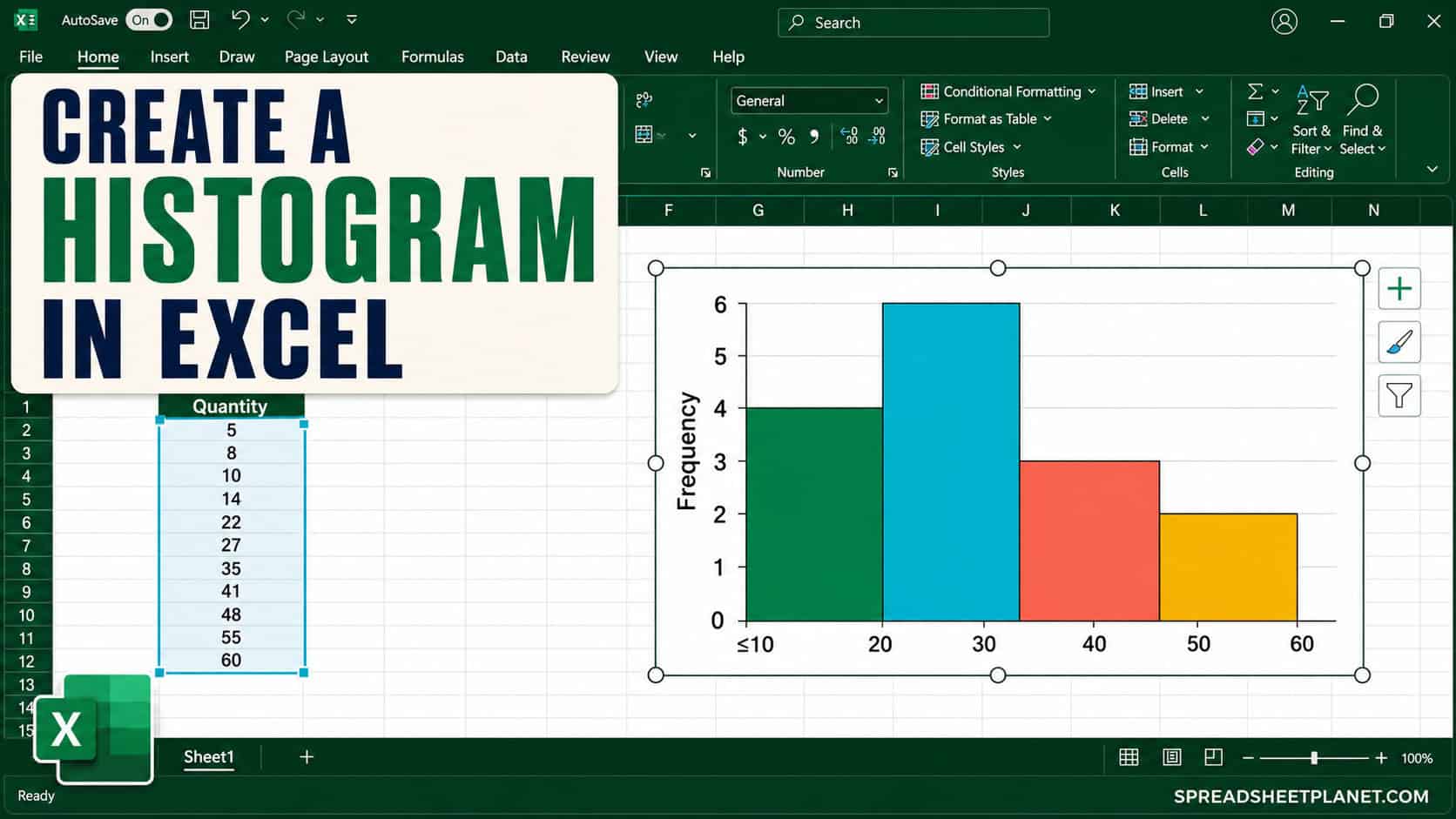
If you want to see how your numbers are spread out, a histogram makes the pattern easy to spot. It groups values into intervals, called bins, and shows how many …

 Steve Scott
If you want to see how your numbers are spread out, a histogram makes the pattern easy to spot. It groups values into intervals, called bins, and shows how many …
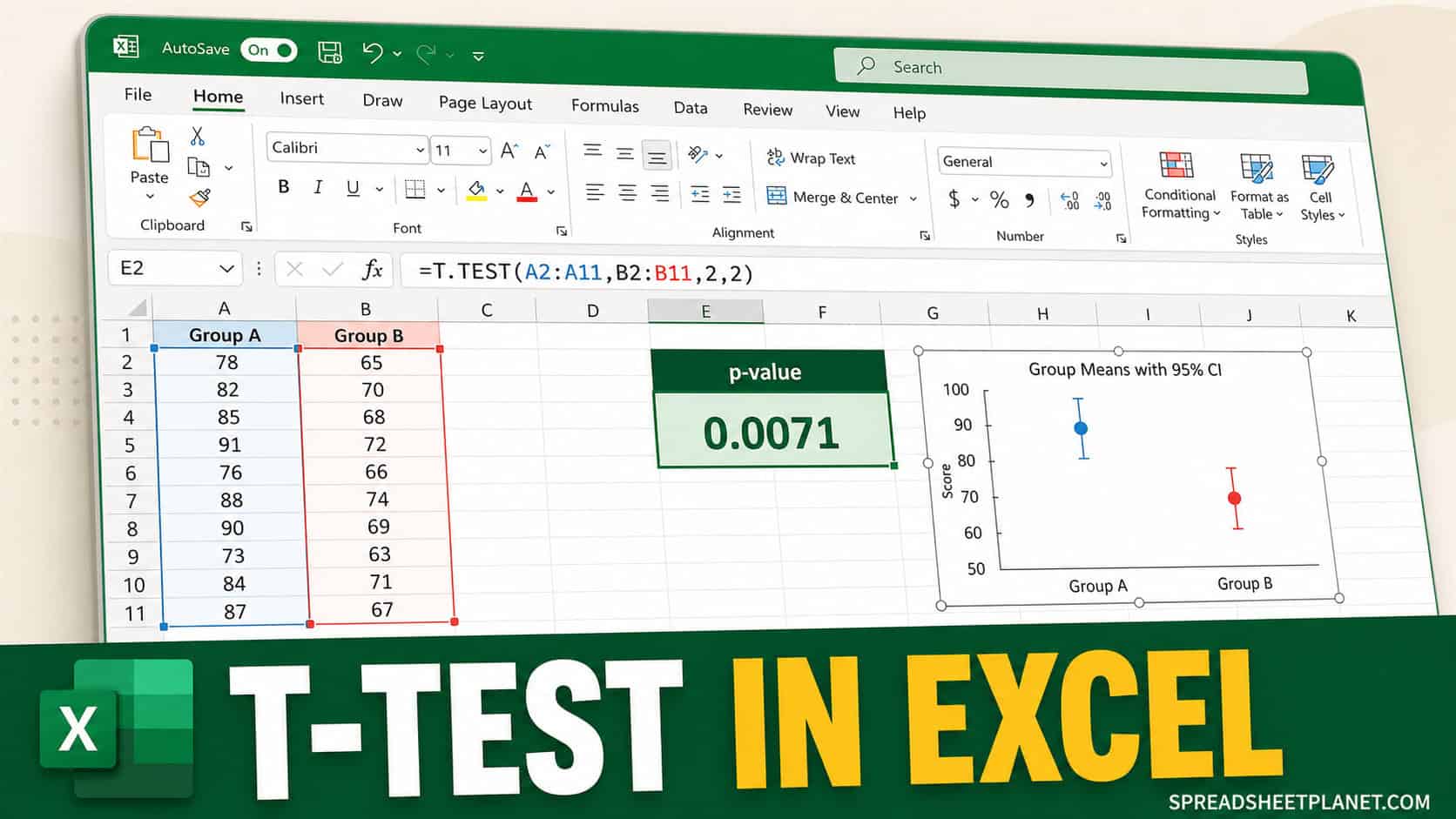
If you want to know whether a difference between two groups would be unusual under a null hypothesis of equal population means, a t-test is one way to check. Excel …
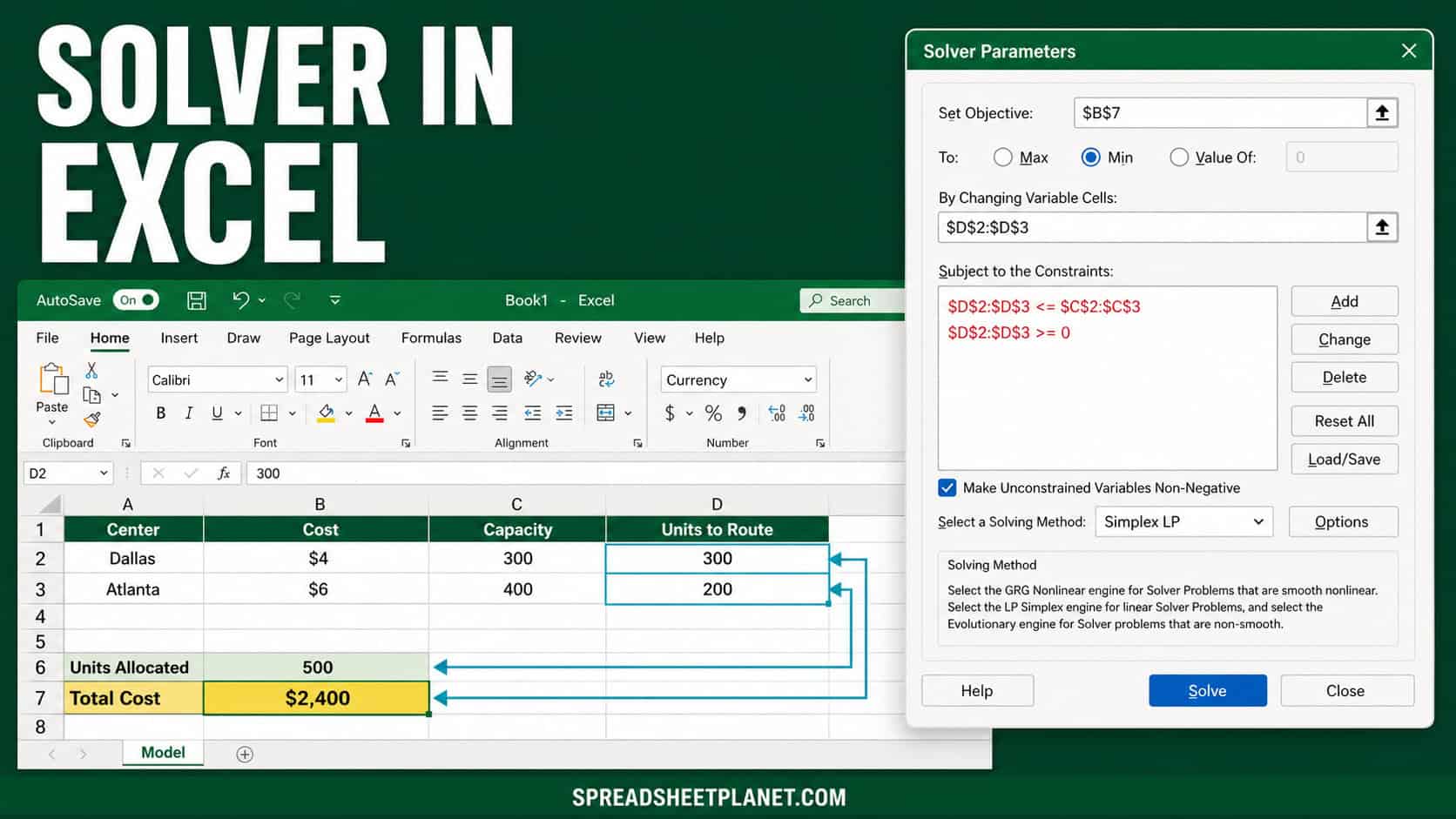
If you have a decision with a few moving parts, like splitting work across two locations for the lowest cost, Solver in Excel can find the best answer for you. …
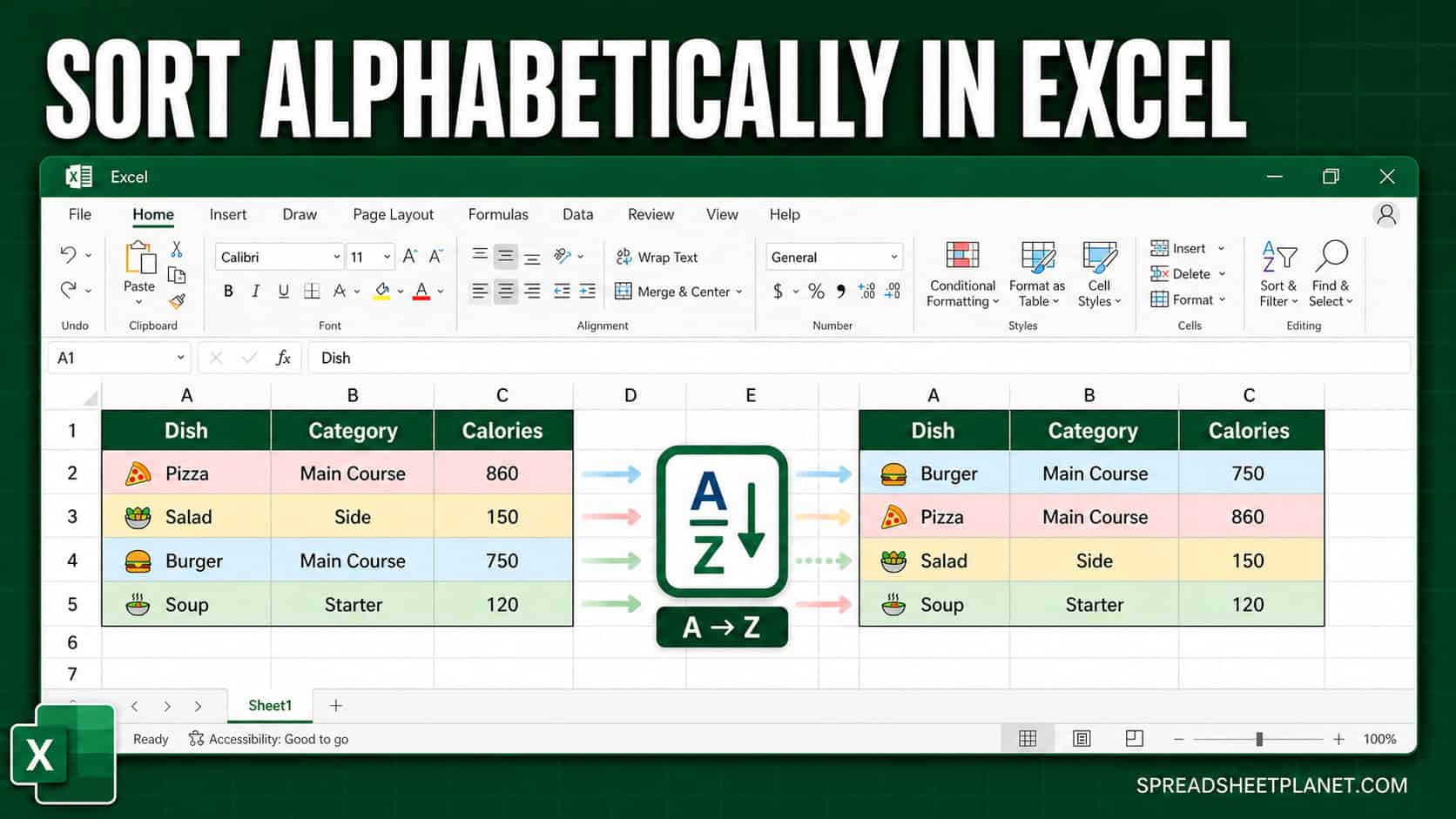
If you have a column of names, products, or any text and you want it in A-to-Z order, Excel gives you more than one way to get there. The tricky …
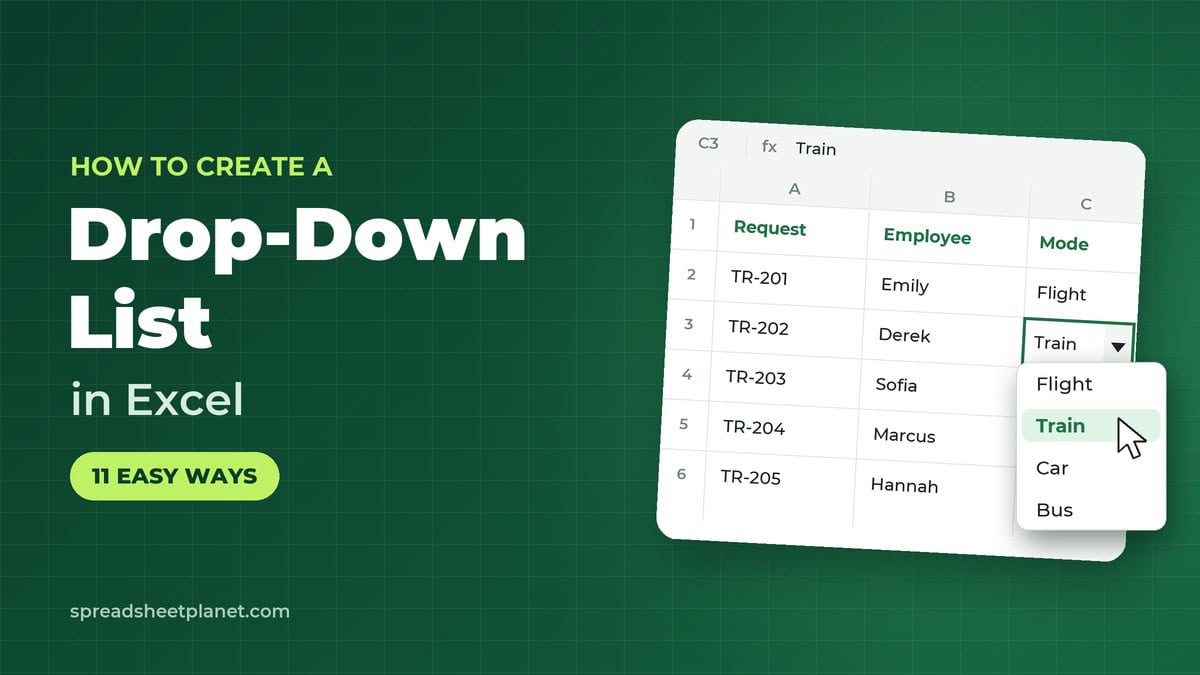
If you enter data in Excel often, a drop-down list can save time. With the drop-down, you pick an option instead of typing it. That helps prevent typos and wrong …
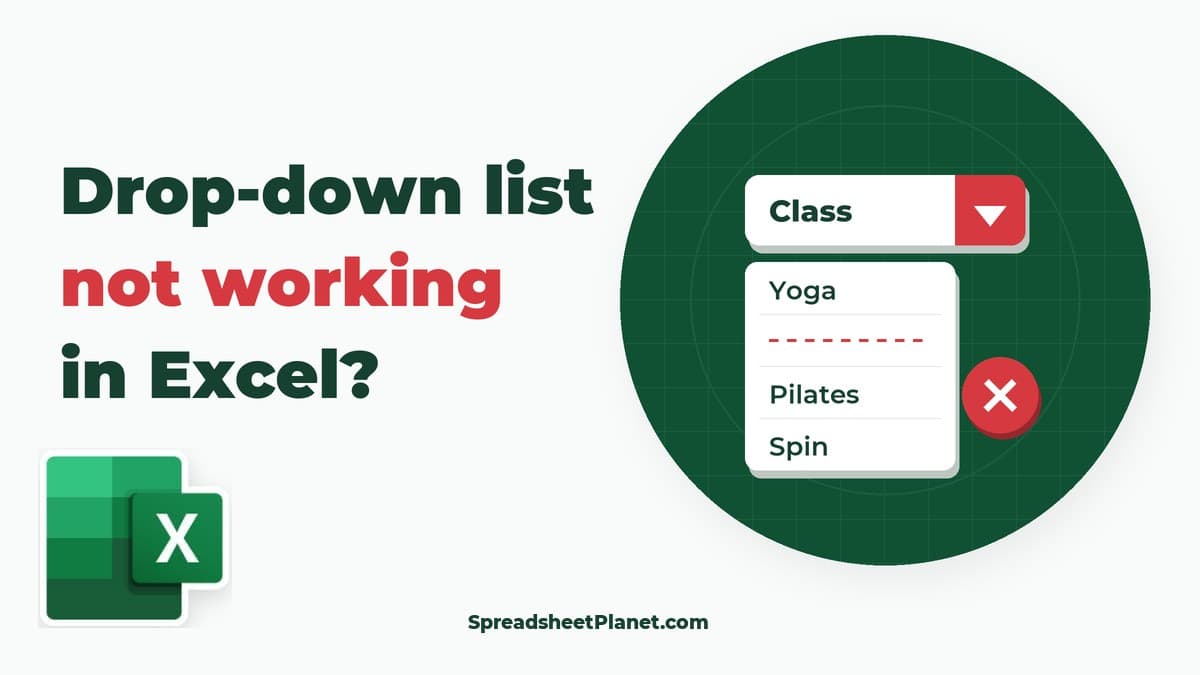
If your Excel drop-down arrow is missing, the list won’t open, or the items look wrong, start with the symptom you’re seeing. The arrow only appears when you select a …

If you have opened a workbook and noticed a sheet tab is missing, someone has probably hidden it rather than deleted it. Hidden tabs are still fully there with all …
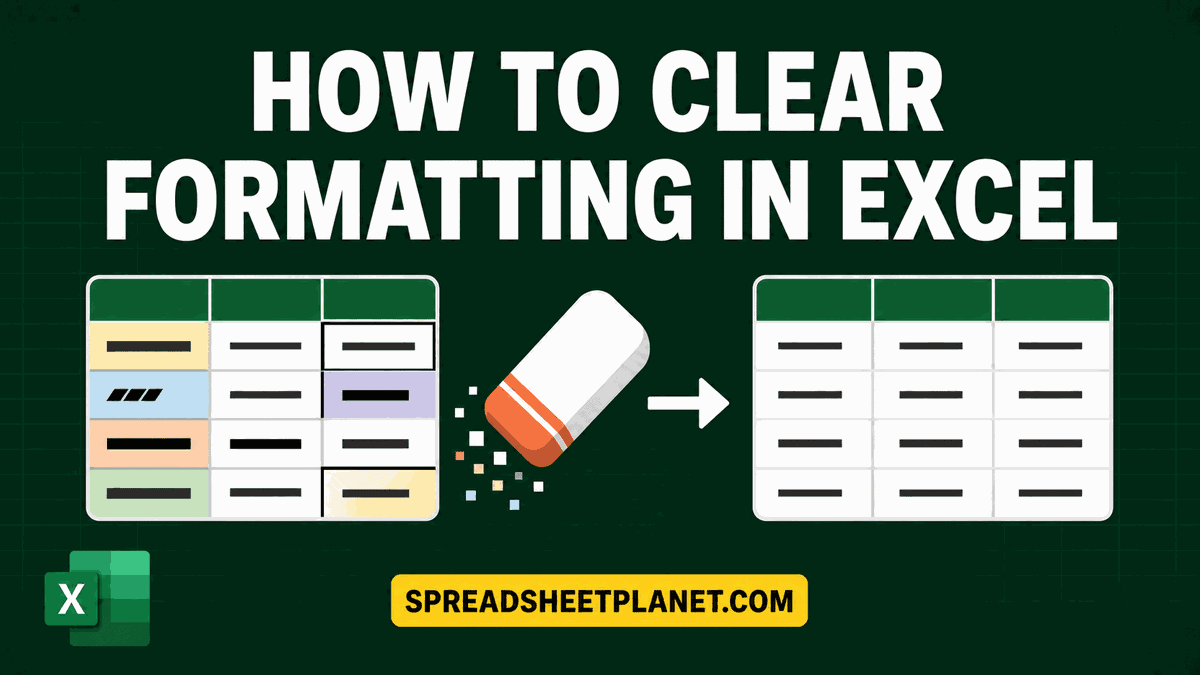
If you have inherited a worksheet loaded with random fills, bold fonts, and mismatched borders, you probably just want it to look clean again. The tricky part is stripping all …

If you’re about to take on a home loan, you probably want to know the monthly payment before you sign anything. A mortgage is a big commitment, and the numbers …
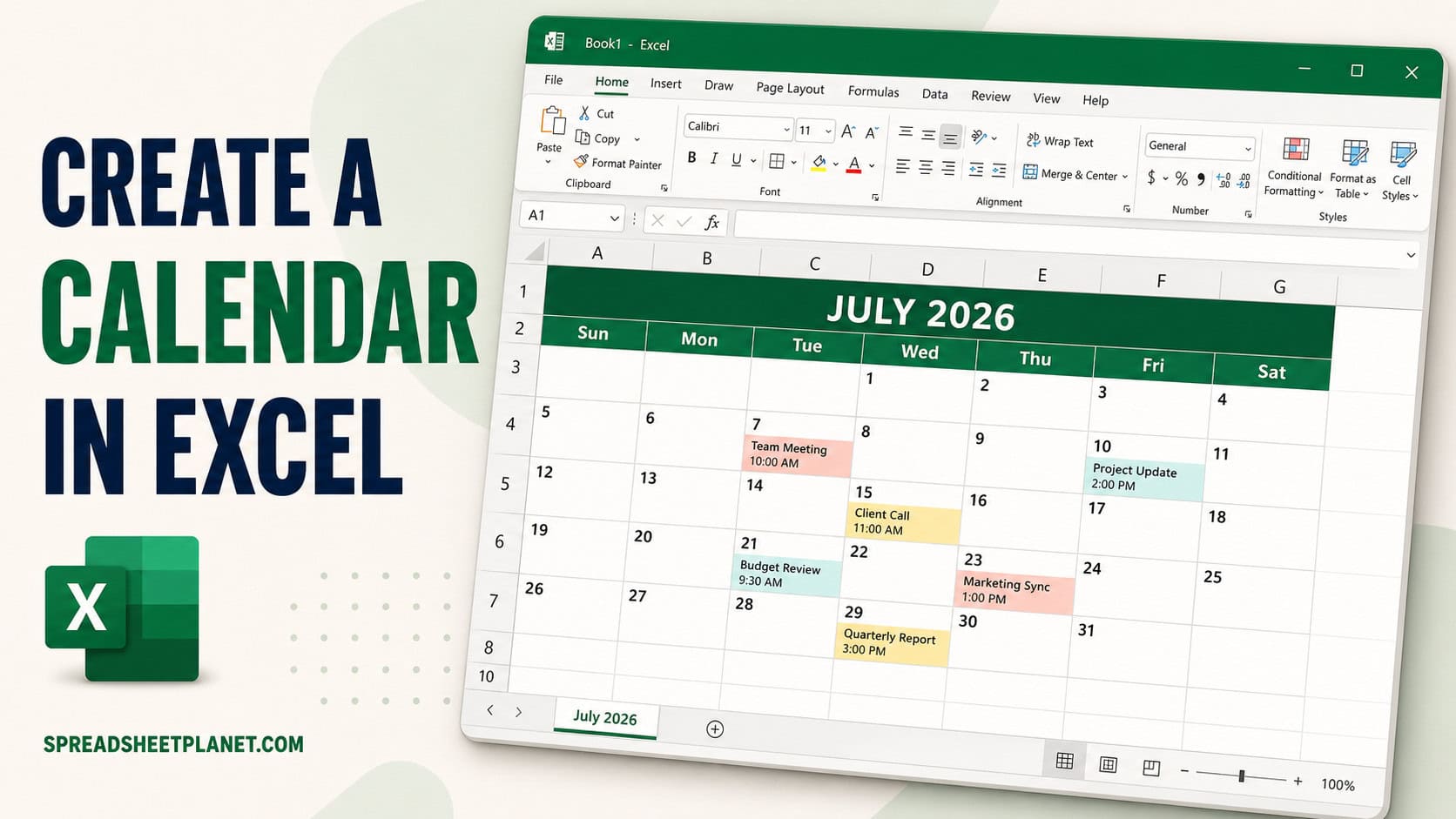
If you want a calendar you can actually work in, planning exhibit dates, deadlines, or events, Excel is a surprisingly good place to build one. The tricky part is getting …
If you want to see how changes in price or sales volume affect profit, replacing one input at a time gets tedious. It also makes it easy to lose track …

If you want to forecast next year’s sales but a single “best guess” number feels shaky, a Monte Carlo simulation gives you a range instead. The idea is simple. Instead …