How Many Rows Can Excel Handle? (Excel’s Row Limit Explained)
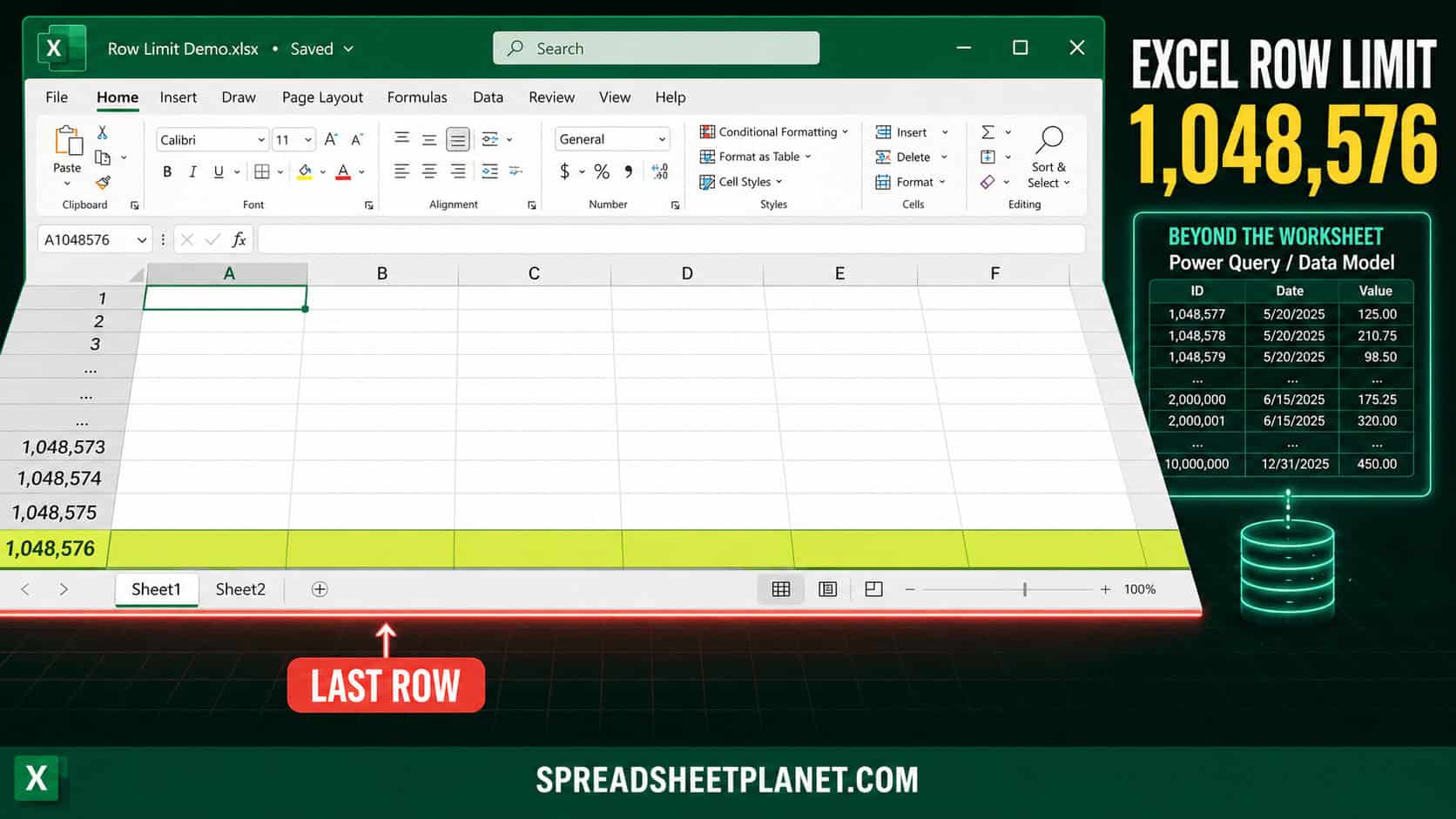
Every Excel worksheet stops at 1,048,576 rows and 16,384 columns. That’s a hard ceiling. No setting, add-in, or amount of RAM raises it, and it hasn’t changed since Excel 2007. …
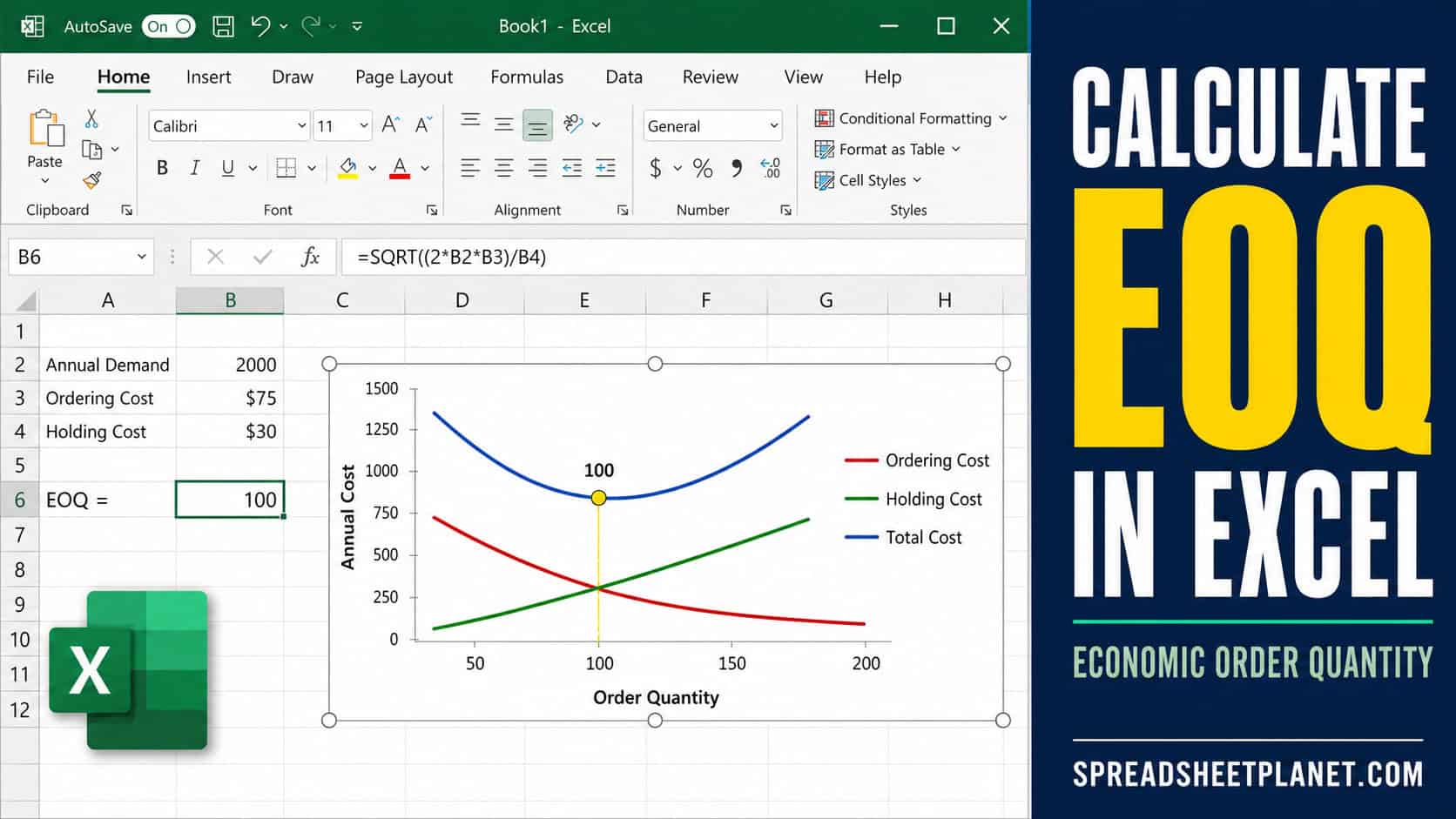
If you want to find the order size that minimizes relevant annual ordering and holding costs, the EOQ formula is what you need. EOQ stands for Economic Order Quantity, and …
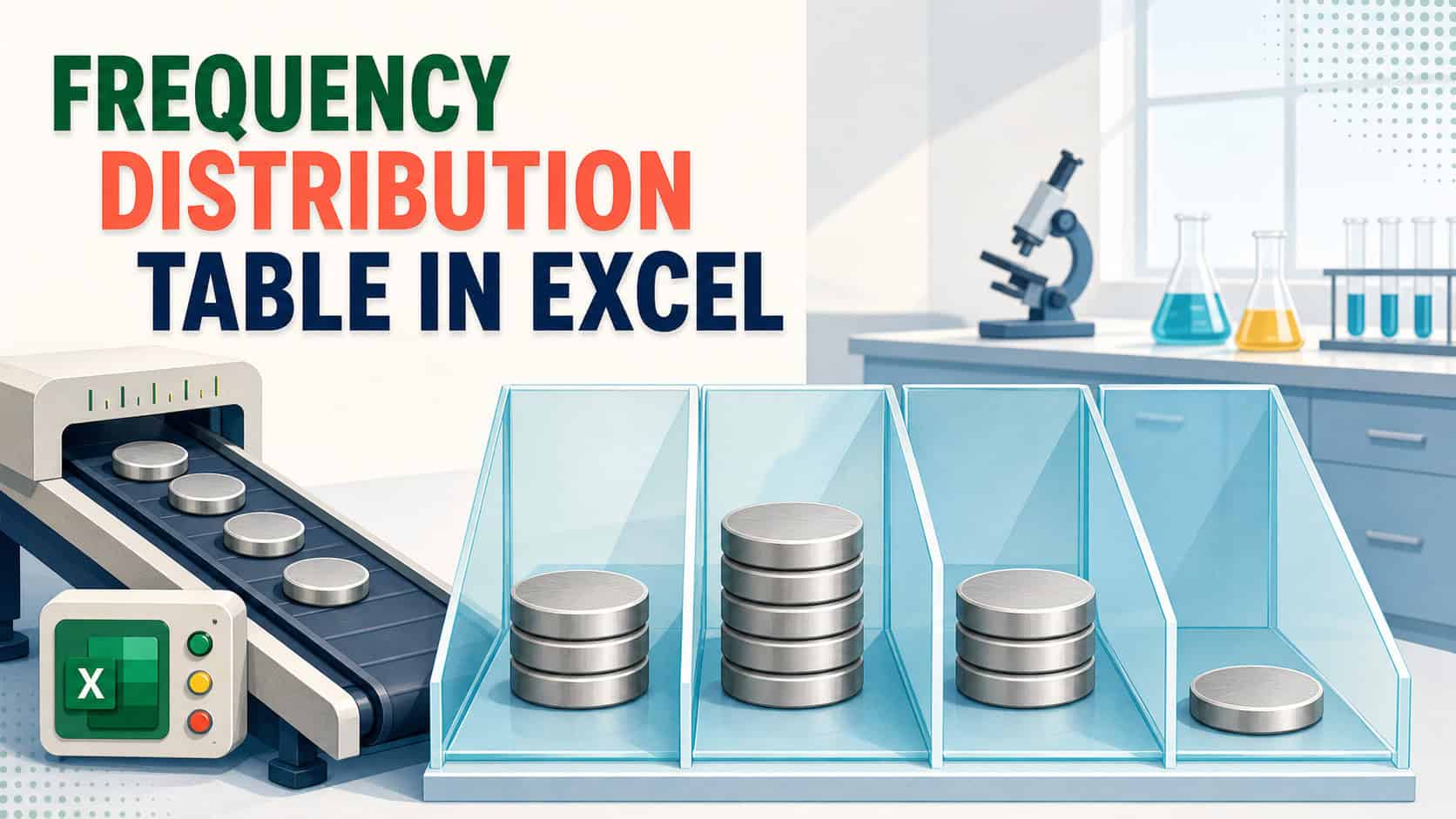
If you have a long column of numbers and want to see how many values fall into each range, a frequency distribution table is what you need. Staring at raw …
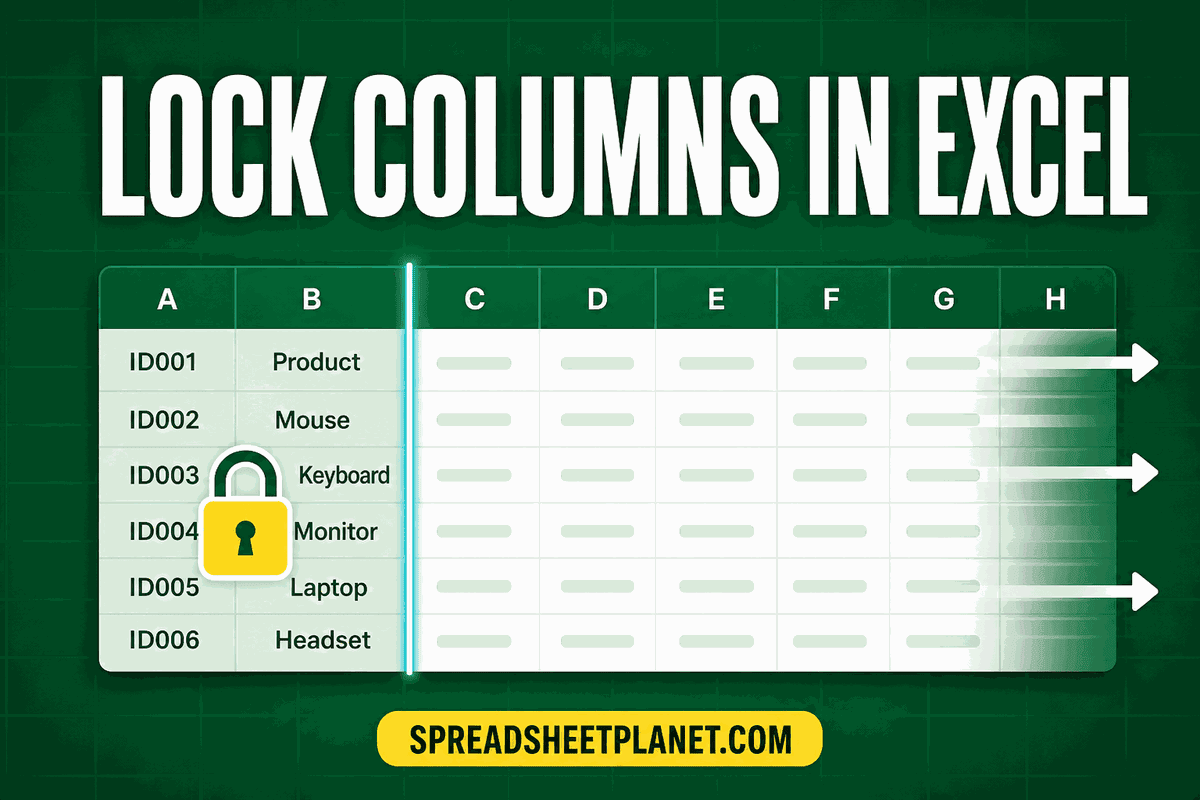
If you want to keep certain columns in your spreadsheet safe from accidental edits, locking them is the way to do it. The catch is that Excel treats every cell …
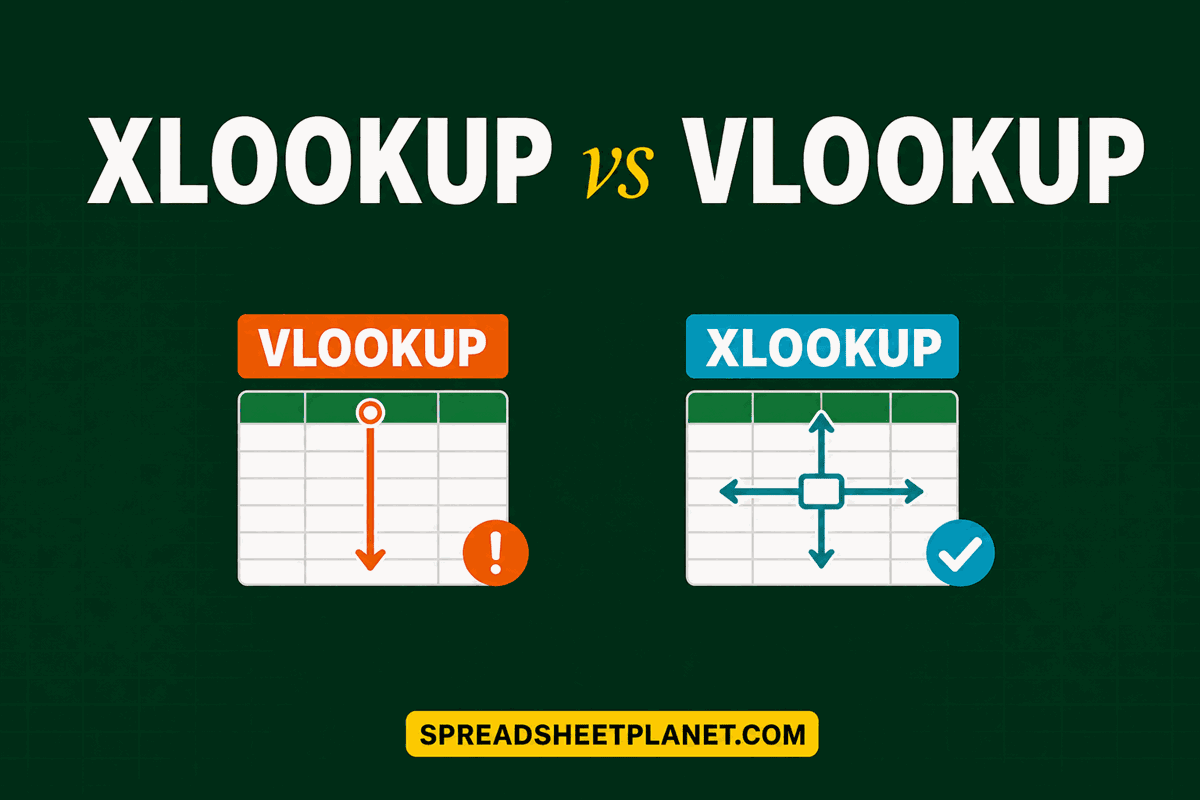
If you want to pull a value out of a table in Excel, you now have two functions for the job, and it is not obvious which one you should …
If you want to know how far your numbers typically sit from their average, average deviation is the measure you’re after. It gives you the average distance of each value …
If you have a column of decimal numbers and you just want clean whole numbers, Excel gives you a few different ways to get there. The tricky part is that …
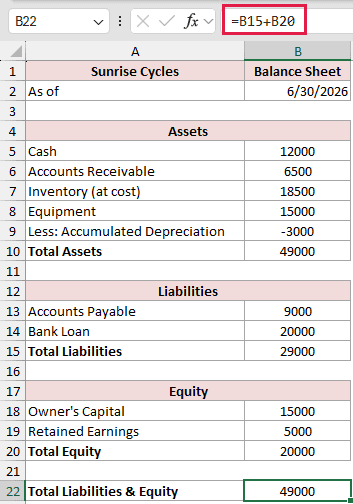
If you want to build a balance sheet in Excel, the whole thing rests on one simple rule: your assets have to equal your liabilities plus equity. When those two …
If you want the rows in a table reordered based on the values in one column, sorting by column is what you need. It sounds simple, but sort the wrong …
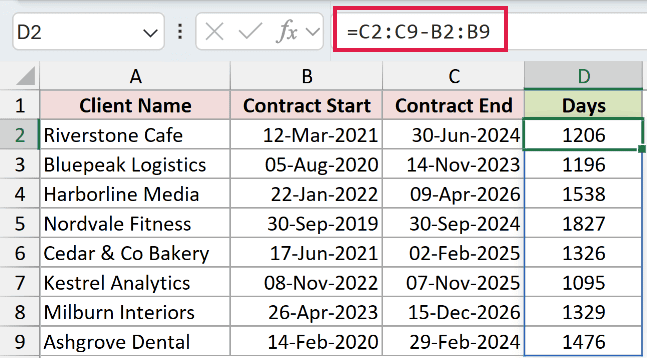
If you want to subtract one date from another in Excel, you might get a date back instead of a number. And this is because Excel copies the date format …
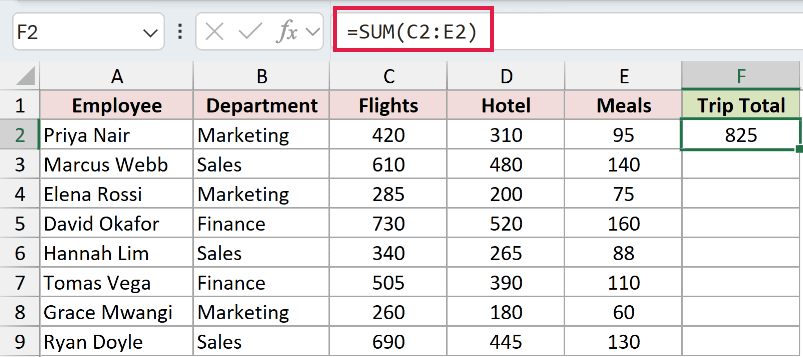
If you want to add up the numbers sitting in a bunch of Excel cells, the tricky part is not the adding. It’s that the best way to do it …
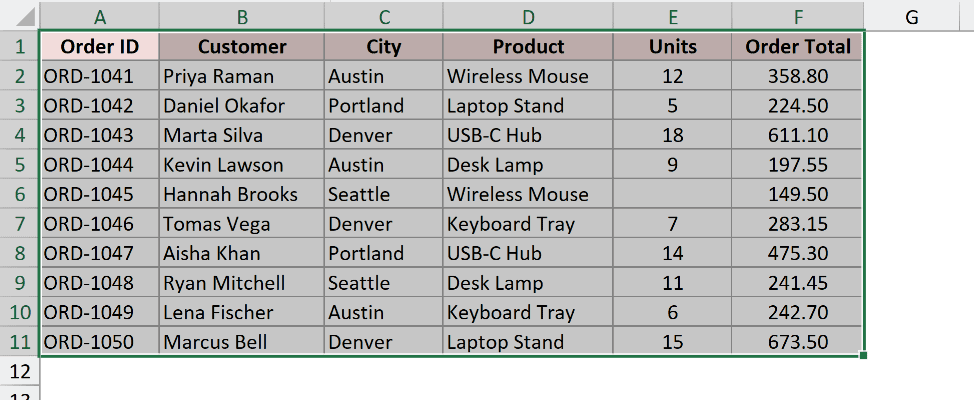
If you want to select a bunch of cells in Excel and do something to all of them at once, dragging the mouse across them is usually the first thing …