How to Use Criteria in Excel Formulas (With Examples)
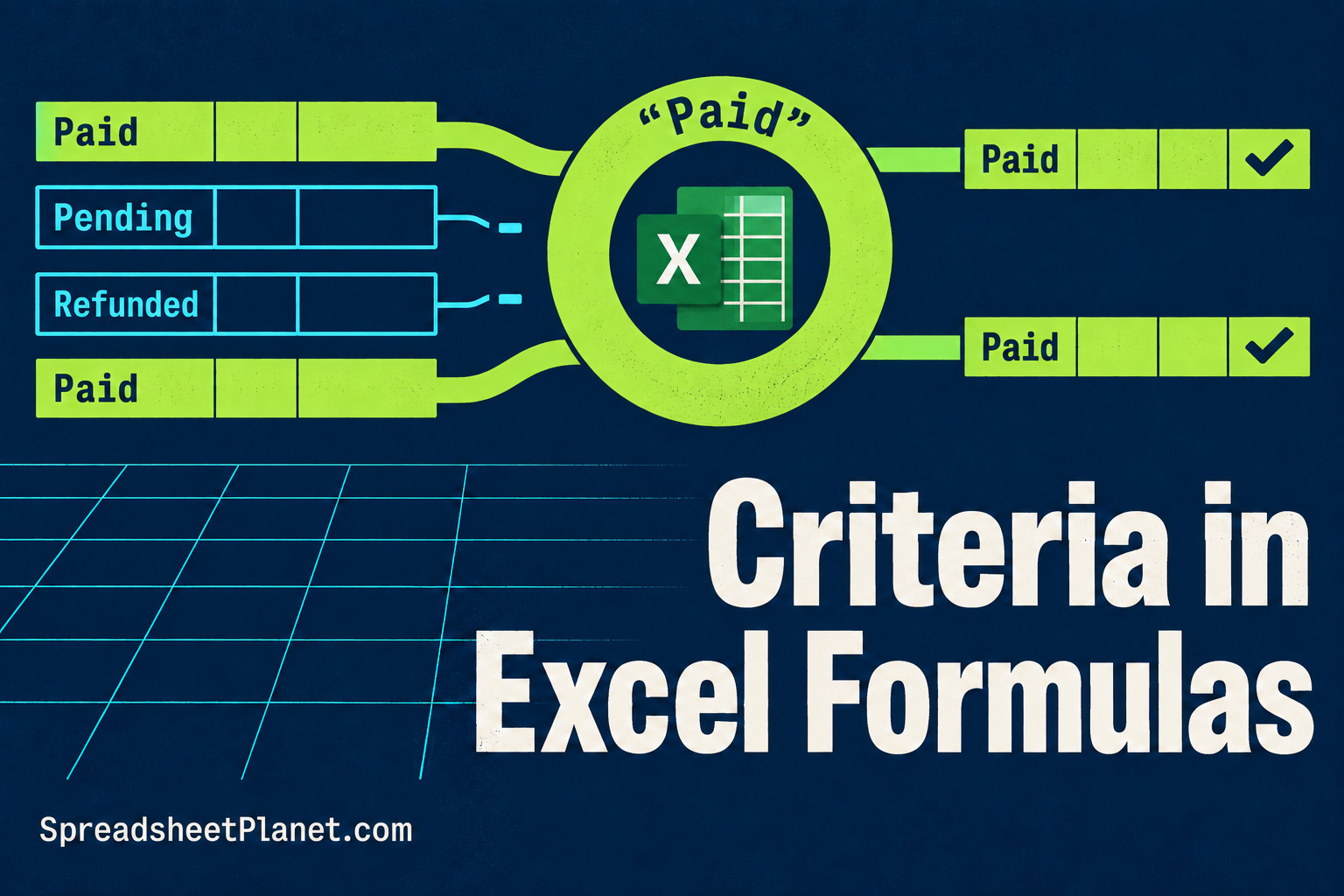
Criteria in Excel formulas let you count or add only the entries you need, such as paid bookings or prices above a limit. You write the condition differently depending on …

Here you will find common Excel tips and tutorials that can help you speed up your work and get stuff done faster.
Criteria in Excel formulas let you count or add only the entries you need, such as paid bookings or prices above a limit. You write the condition differently depending on …

Converting currency in Excel lets you compare prices, budgets, and invoices in the same currency. You need an exchange rate as well as the amount. Changing a dollar symbol to …
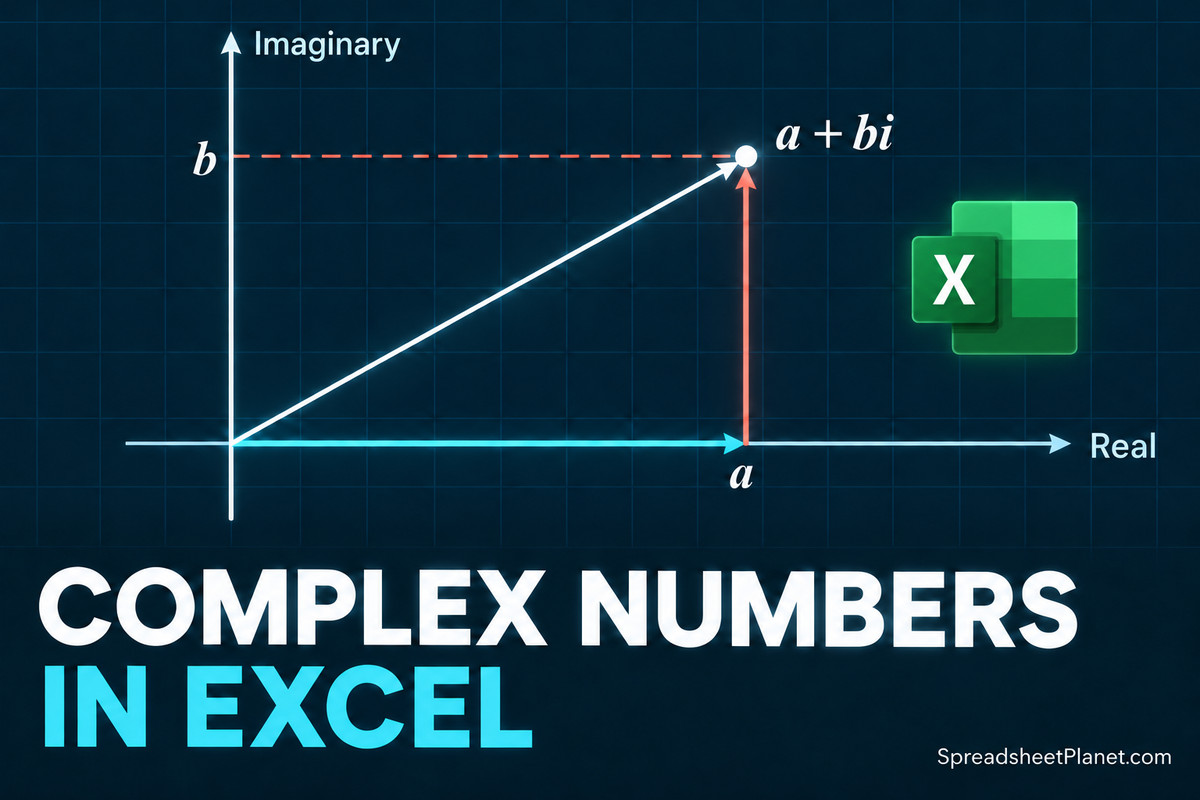
Excel can handle complex numbers, but it stores them as text. You’ll need its IM functions to calculate with them. Throughout these examples, I’ll use AC circuit impedance, where the …
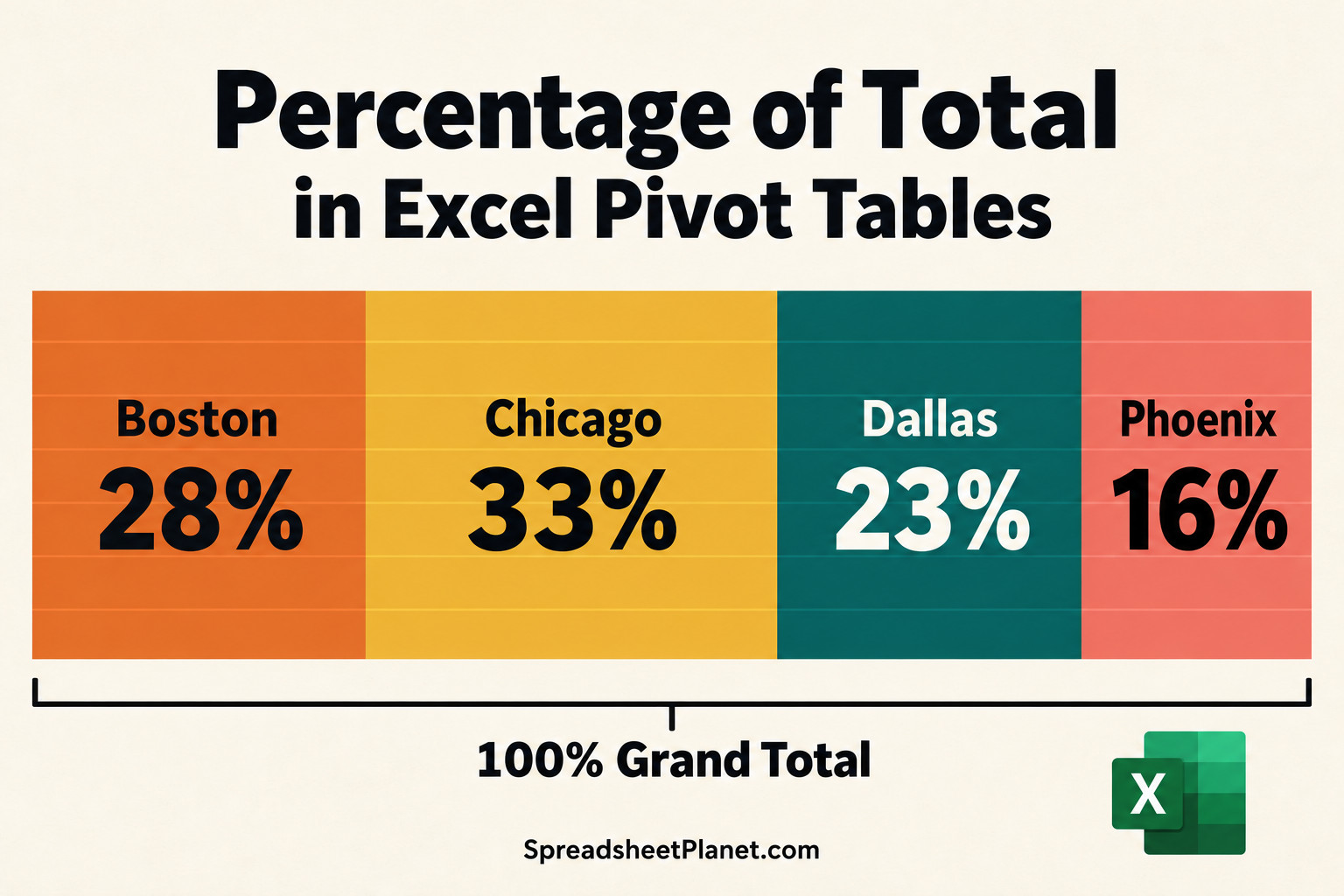
Percentage of total in an Excel PivotTable shows you each item’s share of the whole, so you can spot which store or product contributes most. With built-in Show Values As …

Margin formulas in Excel help you price products and check how much of each sale you keep after costs. Margin and markup both measure profit, but you divide by different …

Grouping data in an Excel PivotTable turns a long list into shorter, readable buckets, such as years and quarters, price bands, or regions. The grouping stays inside the PivotTable, so …

Excel follows a fixed order when calculating your formula, so reading it straight from left to right can lead you to expect the wrong answer. That’s why =5+2*3 returns 11, …

Calculating working days in Excel helps you plan payroll, billable hours, and project deadlines around the days your team actually works. A 31-day month won’t give you 31 working days …

Need just one month’s records from your Excel log, or everything between two dates? I’ll show you how to filter that date column without removing the other records. For quick …

A stacked bar chart in Excel gives each category one horizontal bar, split into colored segments for its parts. You can compare the overall size and the mix at a …

You have a column of messy bank transaction descriptions in Excel and want categories like Dining or Fuel beside them without tagging each row by hand. You can categorize text …

Excel uses double quotes to mark text in a formula, so typing a quote you want to display can confuse it. To display that character, you need to tell Excel …